.gif)


Remote hiring has become routine. But Form I-9 rules haven’t gotten easier just because your new hire is in another state.
If you’re an HR or compliance leader, you’ve likely faced the same scramble: the employee starts Monday, the “3 business days” clock is ticking, and you’re trying to coordinate document inspection without an onsite office. That’s where authorized representatives often step in. Done right, they keep onboarding smooth and compliant. Done loosely, they can create gaps that show up later in an audit.
This article explores what an I-9 authorized representative is, when to use one, how to choose and train them, and the most common mistakes HR teams can prevent with a simple, repeatable process.
What is Remote I-9 Verification?
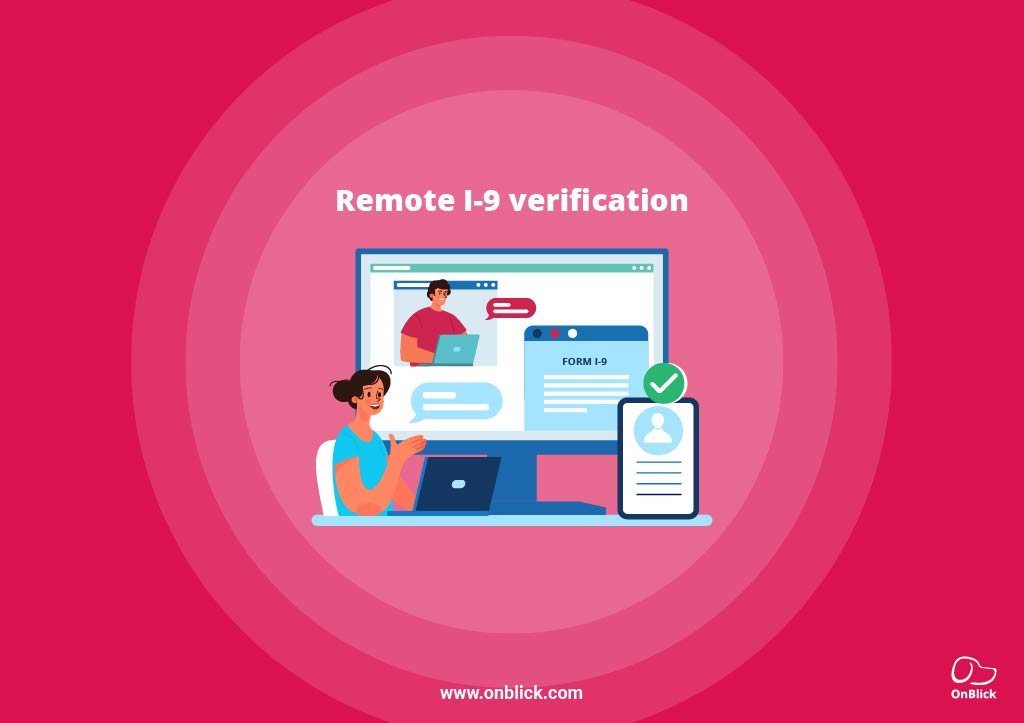
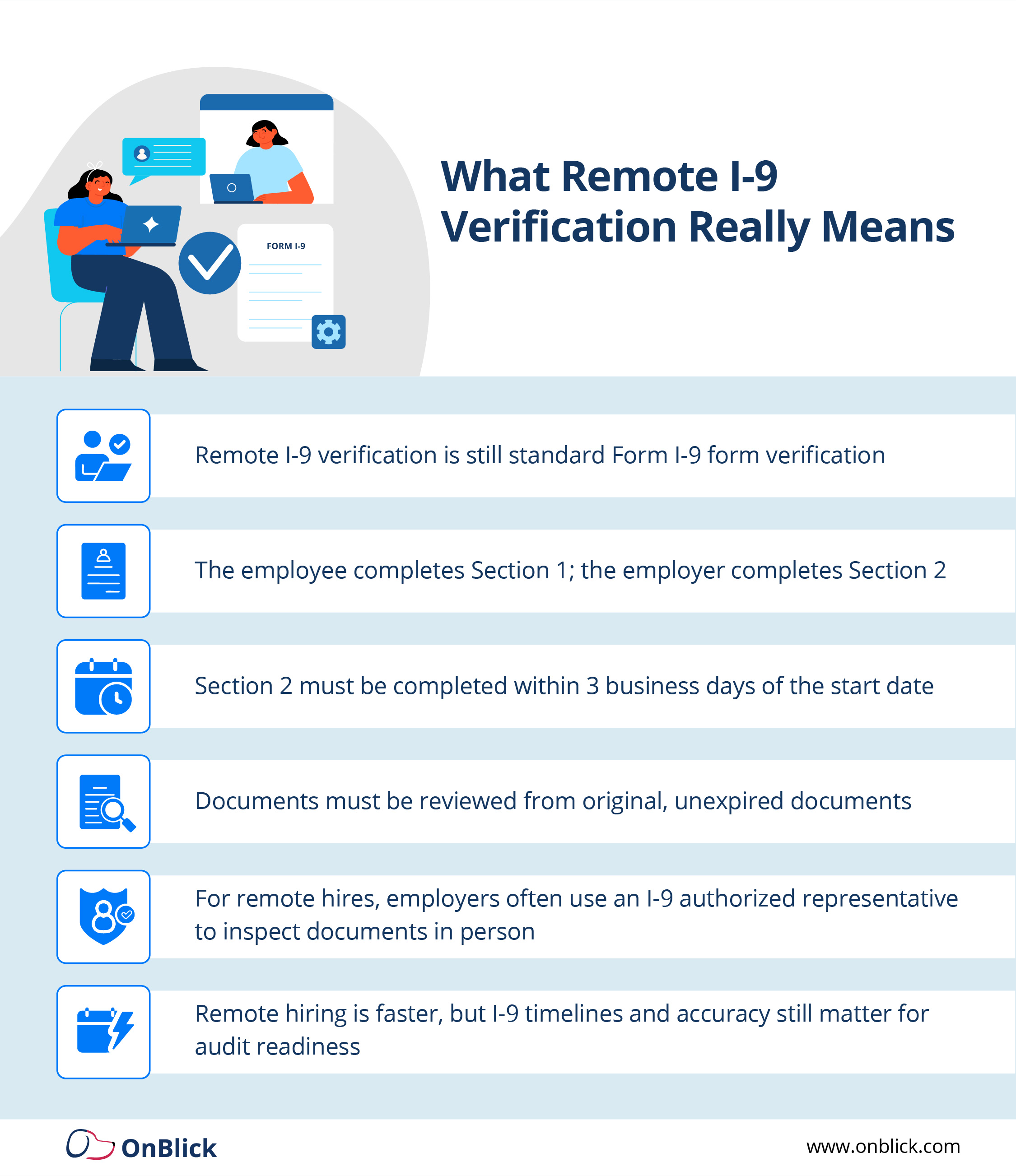
Remote I-9 verification isn’t a separate version of Form I-9. It’s simply i 9 verification for remote employees when the new hire is not physically at your worksite during onboarding. The underlying obligations stay the same whether you call it remote i9 verification or i 9 form verification.
Here’s what stays the same:
- The employee completes Section 1 on or before their first day of work for pay.
- The employer must complete Section 2 (Employer Review and Attestation) within 3 business days of the employee’s first day.
- Section 2 requires examining original, acceptable, unexpired documents (unless a valid receipt is used).
What changes is who physically inspects the documents. In many remote-hire scenarios, employers appoint an i 9 authorized representative to meet the employee in person, review documents, and complete Section 2 on the employer’s behalf. USCIS allows employers to designate an authorized representative for this purpose.
The key takeaway: remote work doesn’t remove the Form I-9 requirement. It just adds a coordination step and makes remote i-9 verification a core part of your onboarding strategy.
Who is a Form I-9 Authorized Representative?
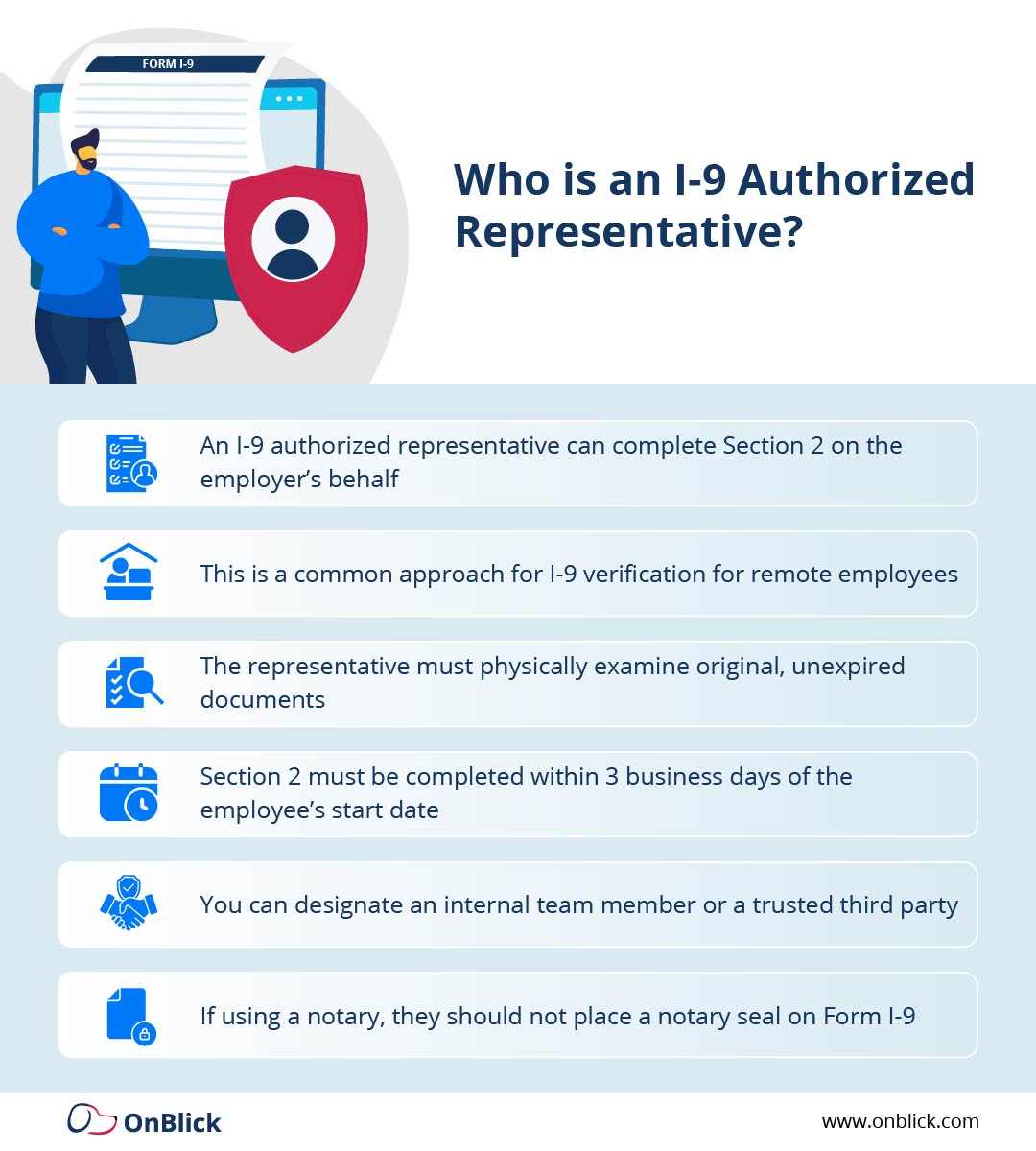
- An I-9 authorized representative (often searched as authorized representative i-9) is a person you designate to complete Section 2 (Employer Review and Attestation) on your company’s behalf when you cannot meet the employee in person.
- USCIS guidance confirms that employers may use an authorized representative to complete Section 2, and that this person “acts as the employer” for the purposes of reviewing original documents and signing the certification. In a remote hiring context, this arrangement becomes an i 9 remote verification authorized representative workflow: the representative and employee meet in person, even though HR never does.
- The important point is that the authorized representative is not a different legal entity in the eyes of USCIS. For I-9 purposes, they are part of your i-9 verification process, and the employer remains ultimately responsible for any mistakes.
Who Can Serve as an Authorized Representative?
USCIS gives employers wide flexibility in choosing an authorized representative i-9. The representative can be:
- An employee at another company location
- A local manager or supervisor
- A trusted third-party professional (for example, a notary who understands they are not notarizing the form)
- A business partner or other individual the employer designates
- Some employers even allow a friend or relative of the employee to serve as an I-9 authorized representative when no other option is available, though this is higher-risk if the person is unfamiliar with i 9 form verification rules.
- Regardless of who you select, the person must be able to meet the employee in person, examine the original documents, complete all relevant fields, and sign Section 2 accurately. From a compliance standpoint, you should treat the role as part of a structured I-9 verification program, not as a one-off favor.
Employer Liability When Using an I-9 Authorized Representative
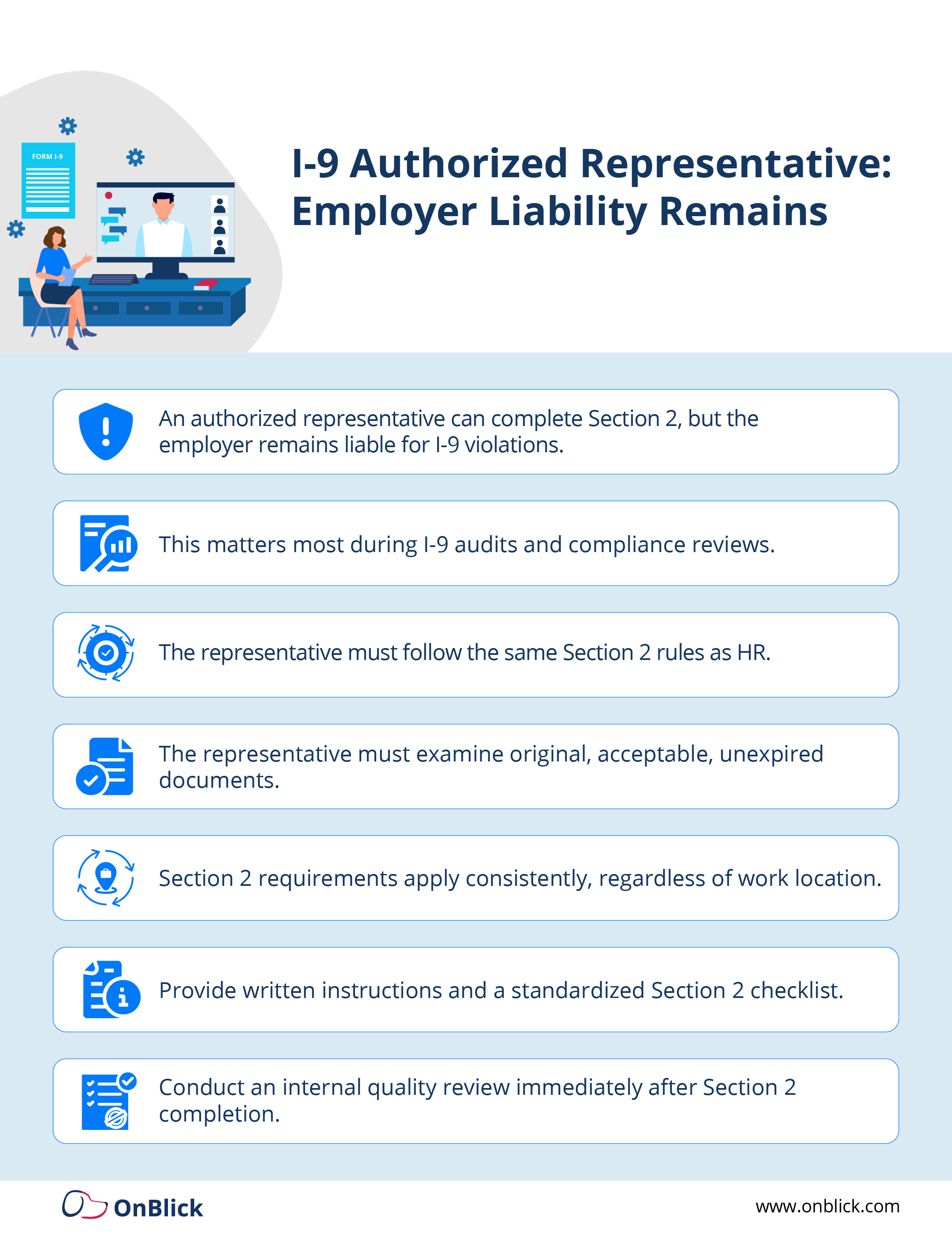
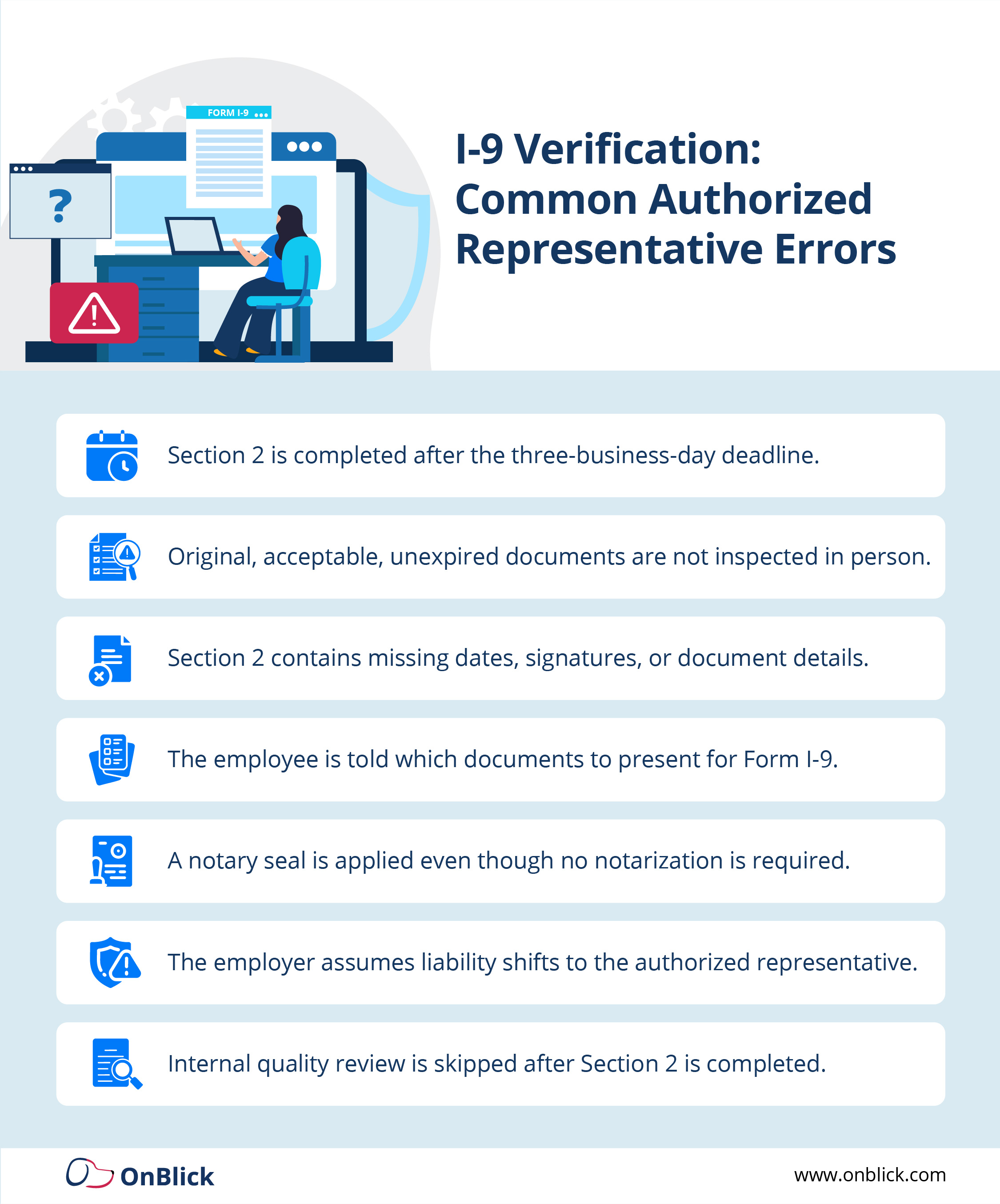
- Using an i9 authorized representative can streamline remote I-9 verification, but it does not transfer responsibility away from the employer. USCIS instructions explicitly state that an authorized representative may complete and sign Form I-9 on the employer’s behalf, and that the employer is liable for any violations connected to the form or the verification process, including violations committed by the person designated to act for the employer.
- For that reason, authorized representative i-9 workflows should be treated as a controlled compliance process, not an informal handoff. USCIS guidance emphasizes that the authorized representative must perform the employer duties described in the Form I-9 instructions and the M-274 Handbook, and that Section 2 must still be completed within three business days of the employee’s first day of work for pay.
- If an error occurs, incorrect document recorded, wrong date, or missing signature, it counts as the employer’s error, even if a third party actually handled the remote i-9 verification.
Remote I-9 Verification Process: How to Use an Authorized Representative
When you use an I-9 authorized representative for remote i-9 verification, you’re essentially extending your HR compliance process to a third party. The goal is consistency: the same standards, the same timing, and the same documentation discipline you would use internally for any i 9 form verification.
A clean, audit-friendly process might look like this:
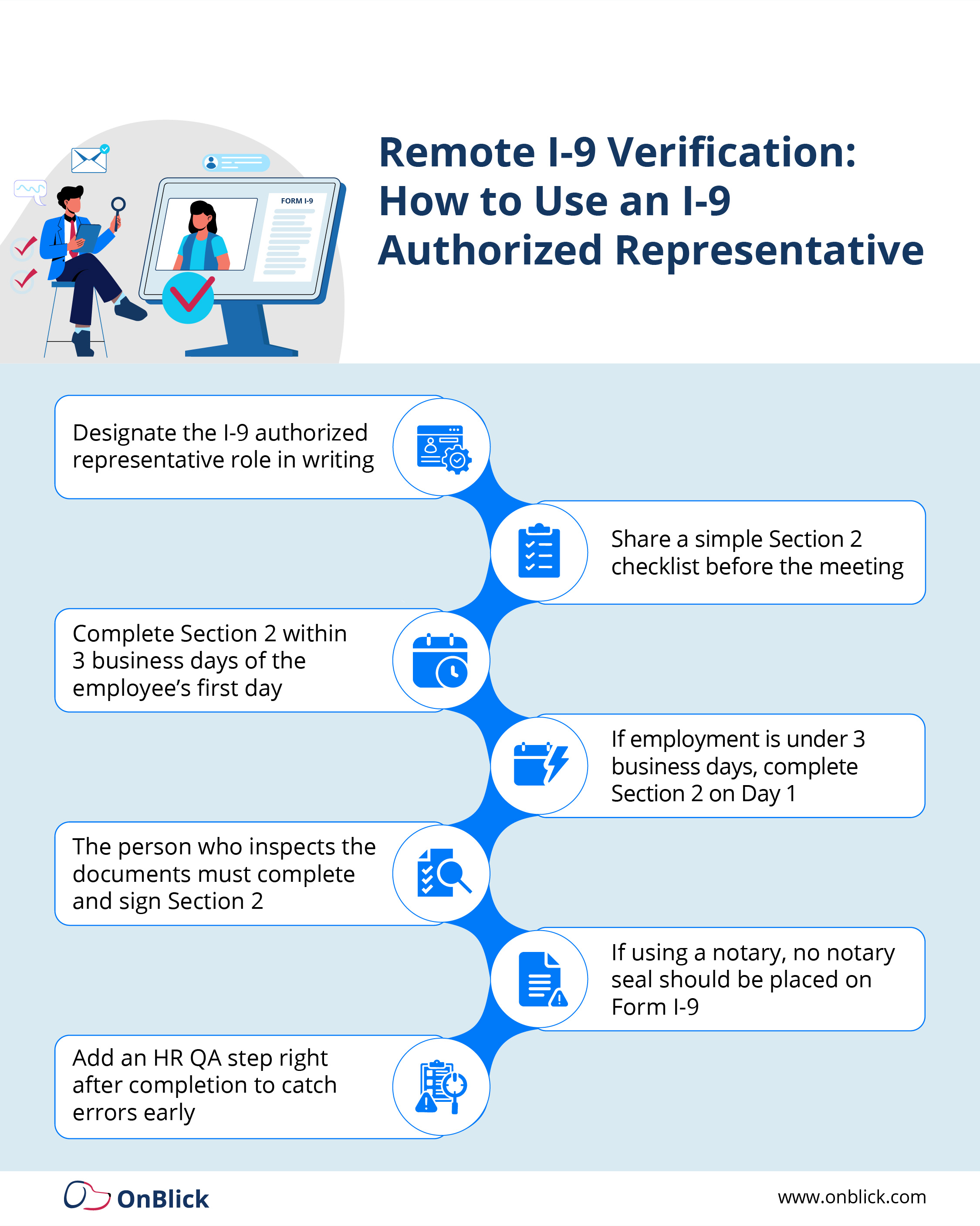
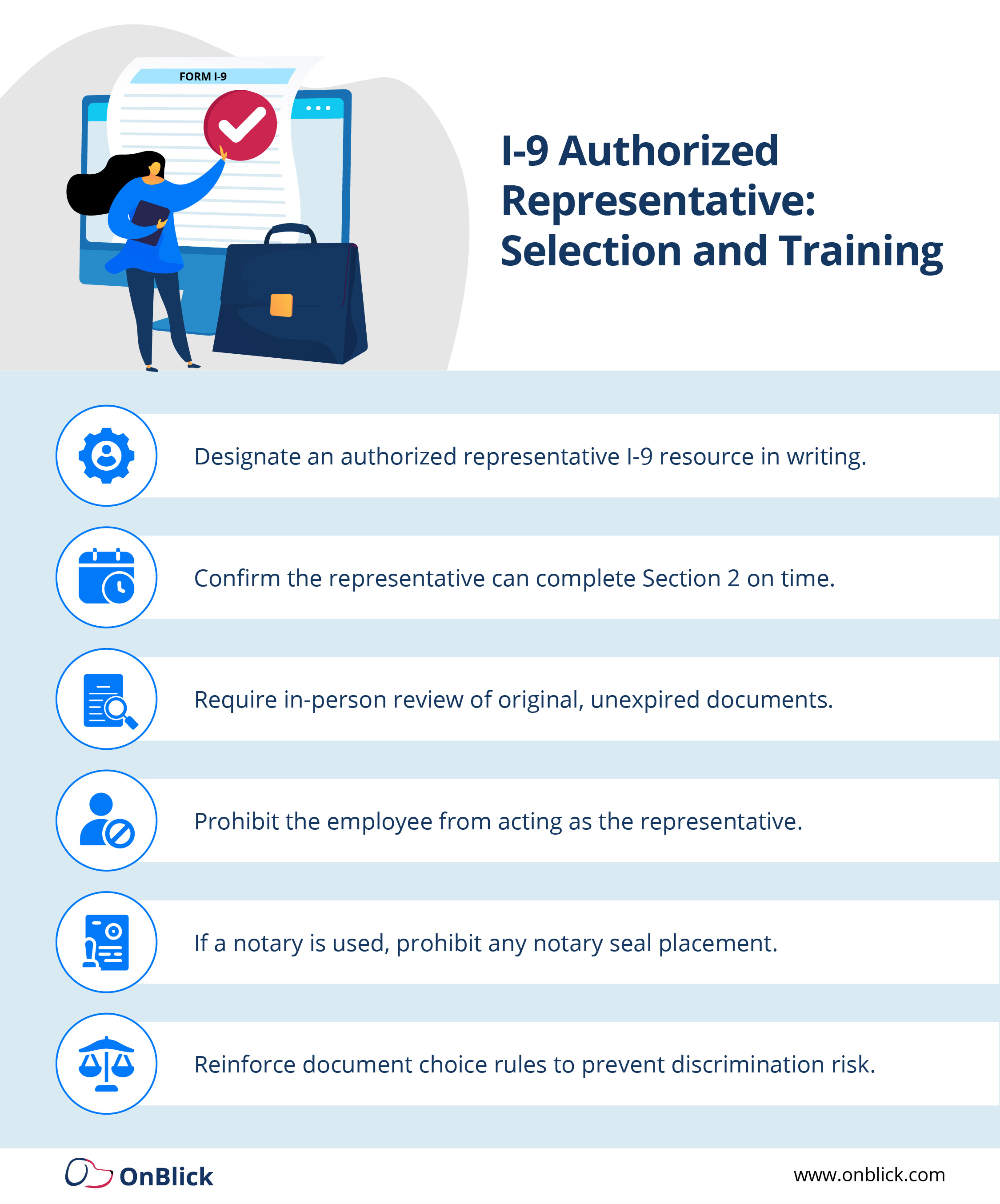
- Designate the authorized representative in writing
Provide a short authorization note (email or letter) confirming they are completing Section 2 on your company’s behalf and explaining the basics of i-9 verification. - Give the representative a simple “Section 2 instruction kit”
Include clear instructions on what they must do, what they must not do, and a checklist of every field that must be completed. - Ensure in-person document inspection happens on time
Section 2 must be completed within three business days of the employee’s first day of work for pay (or on Day 1 if the employee is hired for less than three days). - Representative completes and signs Section 2
The person who examines the documents is the one who completes and signs Section 2 as the employer’s authorized representative. - If a notary is used, keep it “authorized representative,” not notarization
A notary acting as an authorized representative should not place a notary seal on Form I-9. Their role is to perform i 9 form verification, not to notarize the document. - HR conducts a quick QA review immediately after completion
As soon as HR receives the completed I-9, a quick quality review can catch missing dates, document details, or incomplete fields before they become long-term problems.
I-9 Authorized Representative Checklist: How to Choose and Train Reps
Because your i 9 remote verification authorized representative is acting in your name, you should be selective about who you choose and how you prepare them. A practical checklist includes:
- Reliability and professionalism – Are they likely to follow your instructions carefully and treat the process as a compliance responsibility?
- Comfort with forms – They do not need to be I-9 experts, but they should be able to read instructions and fill out Section 2 neatly and accurately.
- Ability to meet in person – Remote I-9 verification still requires in-person document inspection unless you use the DHS alternative procedure.
Training can be simple but must be clear:
- Explain the purpose of Form I-9 employment eligibility verification and why accurate i-9 verification matters.
- Walk them through a completed sample Section 2.
- Provide a one-page dos and don’ts list (for example, do not tell employees which documents to bring).
- Give them a phone or email contact at HR if they have questions while completing i 9 form verification.
Common Authorized Representative I-9 Errors in Remote I-9 Verification
Most errors in remote i9 verification are not intentional; they come from confusion, rushed appointments, or missing instructions. Common issues include:
- Leaving fields blank or writing “N/A” where information is required
- Recording the wrong document title, issuing authority, or document number
- Using white-out or scribbling over mistakes instead of making a clean correction
- Signing Section 2 late, outside the three-business-day rule
- Asking the employee to email or text photos of documents instead of inspecting originals in person
Each of these mistakes becomes part of your official i-9 verification record. When multiplied across many remote hires, they increase risk in an internal audit or government inspection.
Remote I-9 Verification Best Practices: HR Quality Control and QA Checklist
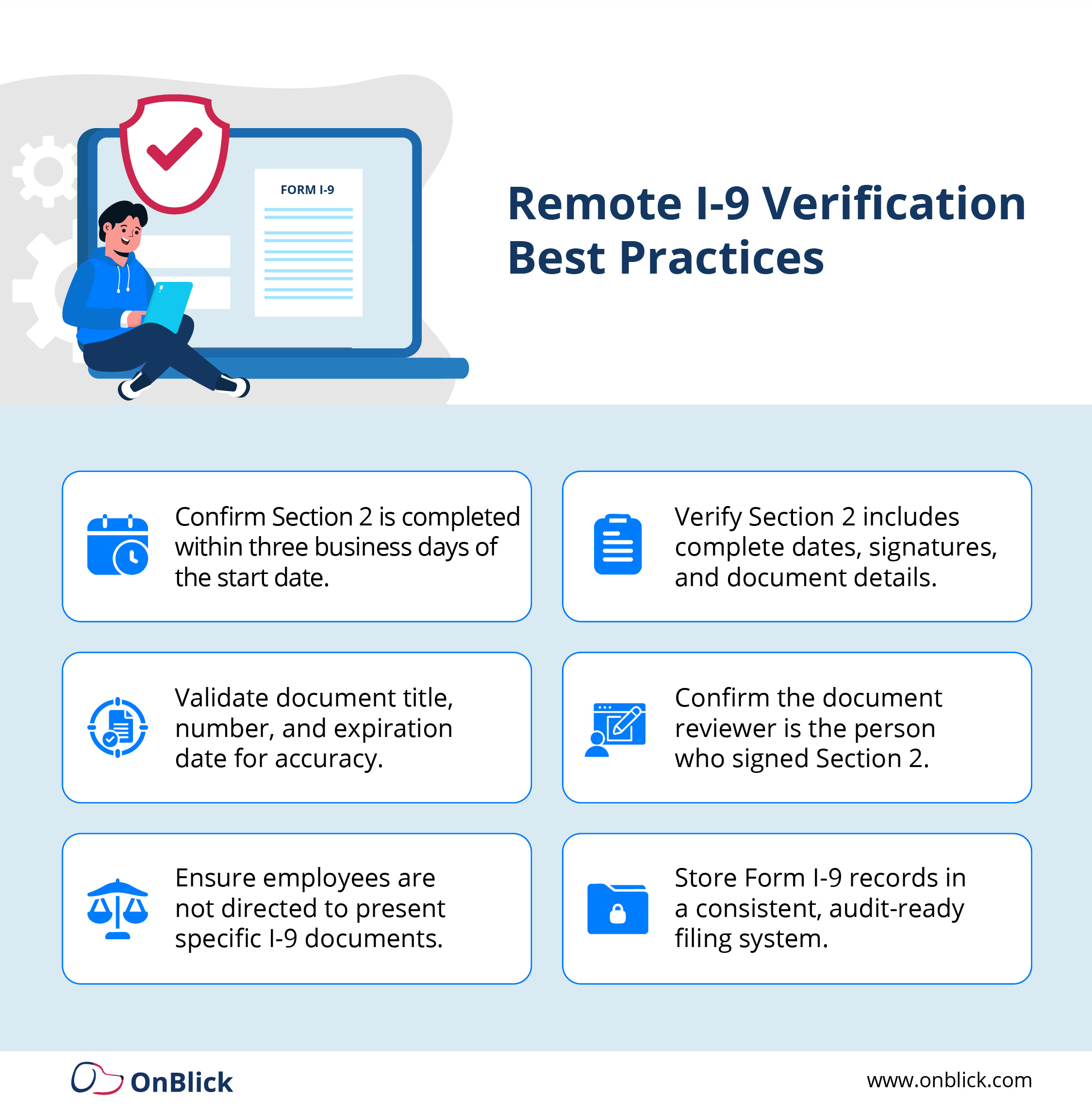
To keep remote i-9 verification consistent, HR should build a simple quality control routine. When completed I-9s come back from an authorized representative i-9 appointment, a designated HR member should check:
- Are Sections 1 and 2 fully completed and legible?
- Are dates in the correct format and sequence?
- Do the document details match the type of document that is allowed on the Lists of Acceptable Documents?
- Did the same person who saw the documents sign Section 2?
- Are there any obvious corrections that need to be made following DHS guidance?
Some employers maintain a short internal QA checklist that must be completed for every remote I-9. Over time, this turns i 9 form verification into a reliable routine rather than a one-off task handled differently by each manager.
HR Quality Control Checklist (Recommended)
Before you file any I-9 completed by an i 9 authorized representative, confirm:
- Section 1 is complete, signed, and dated by the employee.
- Section 2 is complete, signed, and dated by the representative, with the correct hire date.
- Document title, issuing authority, document number, and expiration date match what was inspected.
- No document steering occurred: the employee chose which acceptable documents to present.
- Any corrections are properly lined through, initialed, and dated.
These steps are small, but they significantly improve the quality of your remote i9 verification records.
Recordkeeping Discipline for Remote I-9s
Once the I-9 is complete, it must be stored and retained correctly, whether it involved remote i-9 verification or an in-office hire. Strong recordkeeping includes:
- Storing Form I-9s in a consistent system, often separate from personnel files, for easier audits
- Keeping a clear method to locate remote hire files and notes if your organization tracks i 9 verification for remote employees separately
- Applying your document-copying policy consistently for all employees if you choose to retain copies of documents
The strongest programs treat authorized representative completions as standardized workflows: clear instructions, quick QA, and disciplined recordkeeping that make later audits of i 9 form verification straightforward.
Remote I-9 Verification Options: Authorized Representative vs Remote Document Examination
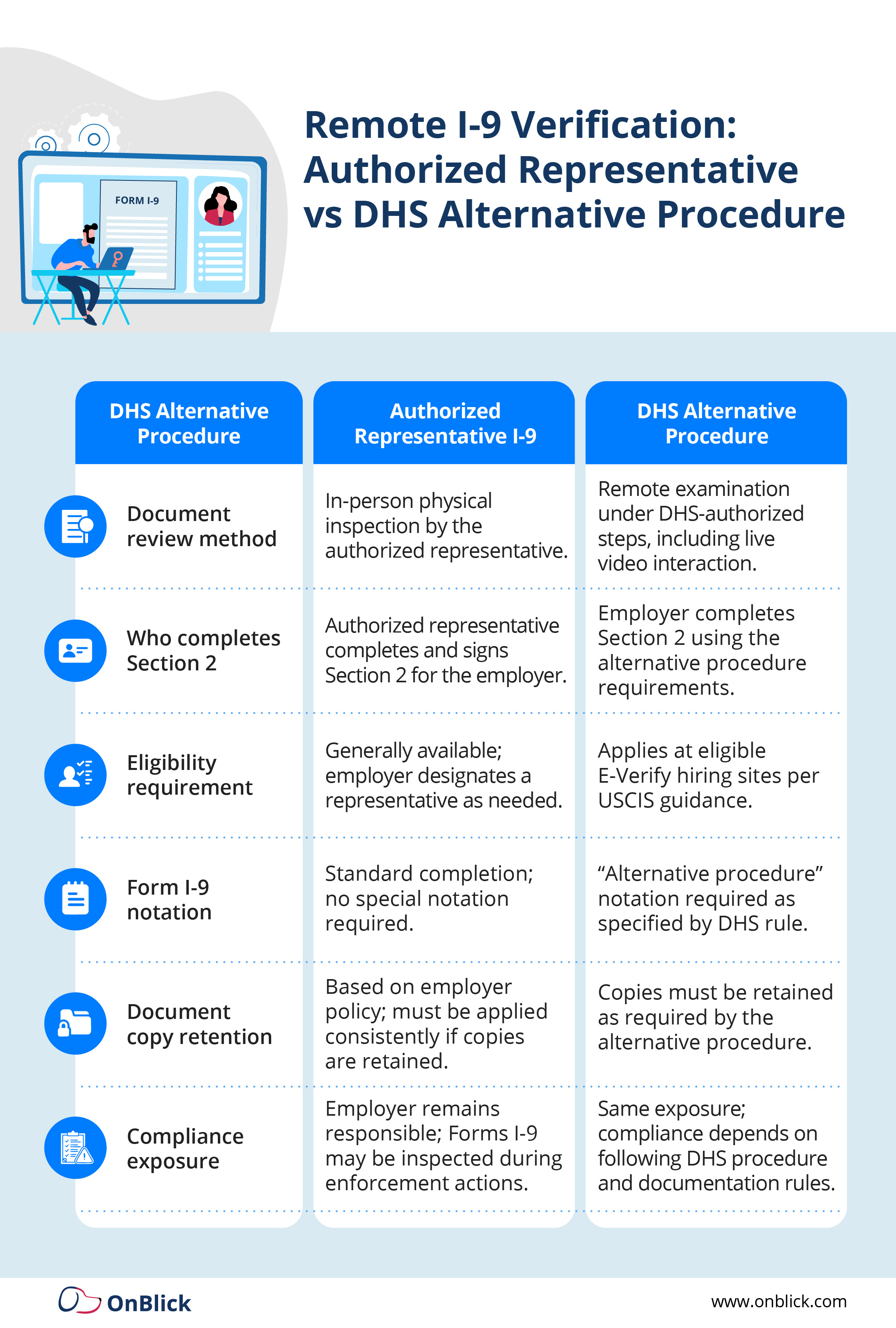
When HR teams talk about remote i-9 verification today, they are usually referring to one of two compliant approaches for completing Form I-9 when the employee is not onsite:
Option A: Authorized Representative I-9 (In-Person Document Review)
You designate an i 9 authorized representative to meet the employee in person and complete Section 2. This keeps the traditional rule intact: documents are still reviewed face to face, just not by your internal HR team.
Option B: DHS Alternative Procedure (Remote Document Examination)
For qualifying E-Verify employers, DHS allows a specific alternative procedure where documents may be examined remotely and the employer follows additional steps, including copies, live video interaction, and special notation. This is a different model than an i 9 remote verification authorized representative workflow, and it has strict conditions you must follow.
Many employers use a mix of both options depending on location, role, and eligibility. The key is to document when each option is used, how employees are treated consistently, and how each method fits into your overall i-9 verification program.
FAQs: Remote I-9 Verification and Authorized Representatives
Why do I need an authorized representative for i-9?
You need an authorized representative for i-9 when a new hire can’t come into your worksite within the three-business-day deadline for Section 2. In those situations, remote i-9 verification lets you keep onboarding on schedule while still having someone meet the employee in person and review original documents.
An authorized representative i-9 process makes sure the employer’s responsibilities are still met even when HR is in another city or state.
Who can be an authorized representative for i-9?
USCIS gives employers wide flexibility in who can serve as an i 9 authorized representative. It can be another company employee, a trusted third party, a notary who understands they are not notarizing the form, or even a local business contact so long as they follow the Form I-9 rules.
The key is that whoever you choose understands how to complete Section 2 correctly and is willing to follow your written authorized representative i-9 instructions.
What's an authorized representative?
In simple terms, an authorized representative is any person the employer designates to complete Section 2 on its behalf. In a remote hiring context, that person handles i 9 form verification by physically examining the employee’s original documents and signing the employer attestation.
In many organizations this role is part of an i 9 remote verification authorized representative workflow that extends your internal HR process to the employee’s location.
What is authorized representative meaning?
From a compliance standpoint, authorized representative meaning is tied to responsibility. The representative acts in the employer’s place for i-9 verification, but the employer remains fully liable for any errors.
That’s why it’s important to treat the role as part of your formal i 9 form verification program, with clear instructions, checklists and quality checks, not just as an informal favor.
What are i9 verification documents?
i9 verification documents are the identity and work authorization documents an employee can present from the Lists of Acceptable Documents. During remote i9 verification, the authorized representative must physically examine these originals (or acceptable receipts) and record them accurately in Section 2.
Your instructions should remind representatives that they cannot tell employees which documents to choose; they simply verify that the documents presented meet i 9 form verification rules.
What is form i-9 employment eligibility verification?
Form I-9 employment eligibility verification is the federal process every U.S. employer must follow to confirm an employee’s identity and authorization to work. Employees complete Section 1, and the employer, or an i 9 authorized representative, completes Section 2 by examining original documents.
Remote i-9 verification does not change the legal requirements; it only changes who performs the document inspection for remote hires.
How to handle I9 verifications for remote employees?
To handle I9 verifications for remote employees, you first decide whether to use an authorized representative i-9 workflow or, if eligible, the DHS remote document examination option. In most cases, i 9 verification for remote employees means designating a local representative, giving them clear Section 2 instructions and having HR perform a quick quality review once the form is returned.
Whichever approach you use, the process should be written, repeatable and consistent across all remote i9 verification cases.
How does a remote worker complete Form I-9?
A remote worker completes Section 1 of Form I-9 on or before their first day of work, just like any other hire. For Section 2, the employee either meets with an i 9 authorized representative in person, or if your company qualifies, follows your DHS-approved remote i-9 verification procedure.
Your communication should clearly explain how the appointment works, what i9 verification documents they can bring and where the completed form will be returned.
Can you do i 9 verification remotely?
Yes, you can do i 9 verification remotely, but only within the rules. One option is to use remote i-9 verification through an in-person authorized representative, who physically examines documents on your behalf. Another option, for eligible E-Verify employers, is the DHS remote document examination procedure.
Both methods still require timely completion, accurate data entry and strong recordkeeping so that your i 9 form verification stands up in an audit.
Can i-9 authorized representative be a family member?
USCIS does not forbid a family member from serving as an i-9 authorized representative, so a relative technically can complete Section 2 if you designate them. However, there is a higher risk of mistakes if the person is unfamiliar with i-9 verification documents or your internal process.
Many employers prefer neutral third parties or a structured authorized representative i-9 network to reduce the appearance of bias and to keep the process consistent.
What is remote i-9 verification?
Remote i-9 verification is the process of completing Form I-9 for employees who are not physically at your worksite during onboarding. Instead of HR seeing the documents in person, you either rely on an i 9 remote verification authorized representative or, if you qualify, a DHS-approved remote document review workflow.
The goal is to make i-9 verification possible for distributed teams without weakening compliance or documentation standards.
How do authorized representatives fit into i 9 verification for remote employees?
Authorized representatives are the bridge between your HR team and remote hires. In a typical i 9 verification for remote employees, HR sends instructions, the employee books a meeting with the representative, and that representative completes i 9 form verification in person.
When this is supported by clear checklists and a quick internal review, the authorized representative i-9 model lets you scale remote hiring while keeping your i-9 verification program audit-ready.
Key Takeaways
- Remote hiring doesn’t change your Form I-9 obligations; it just changes how you coordinate document inspection.
- Remote i-9 verification relies on either an I-9 authorized representative (in-person document review) or, for eligible employers, the DHS alternative procedure (remote document examination).
- Employers remain liable for any errors made by an authorized representative i-9, so training and clear instructions are essential.
- A simple process, designation letter, Section 2 instruction kit, QA review, and strong recordkeeping, turns i 9 form verification for remote employees into a predictable workflow.
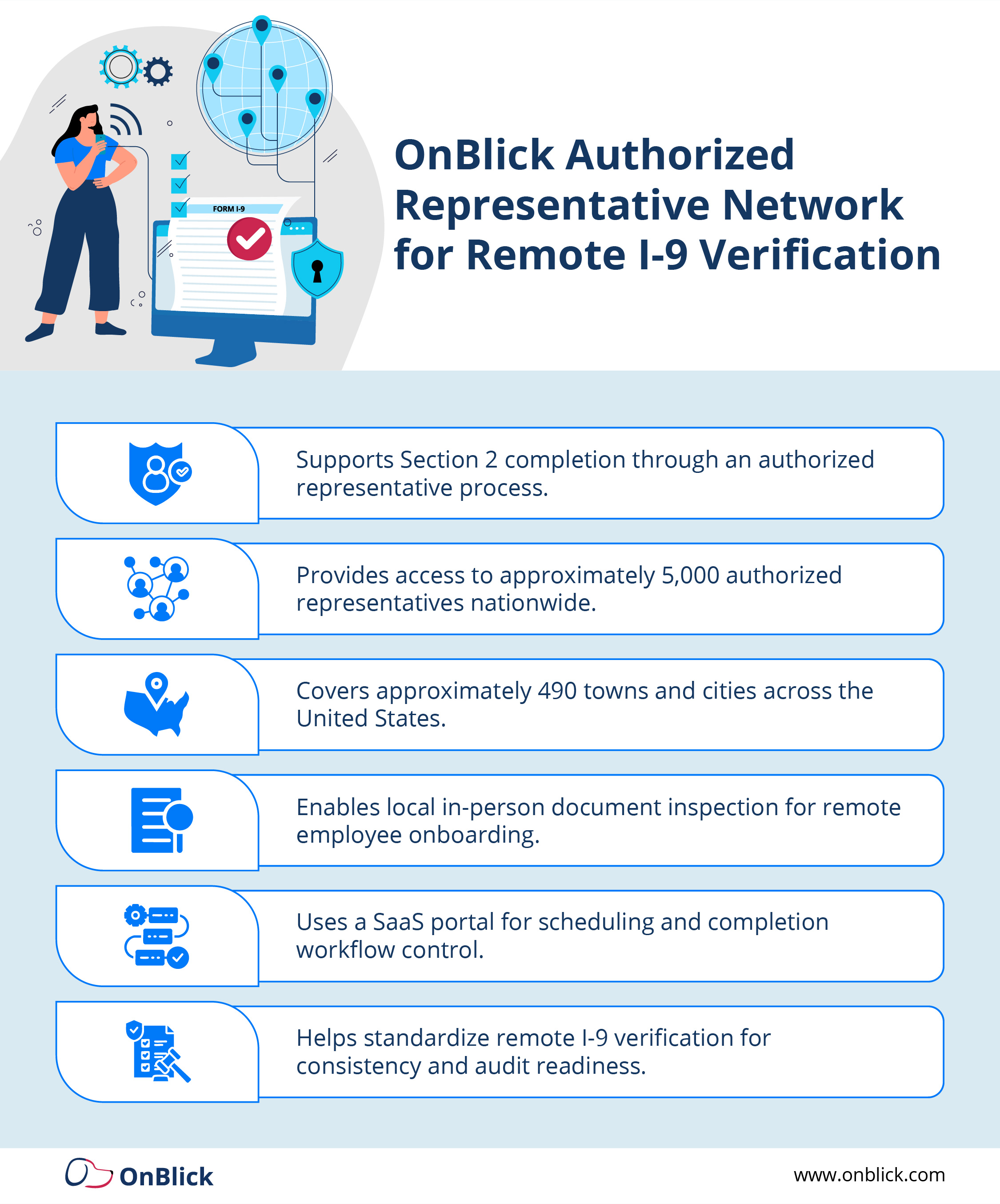
- OnBlick’s Authorized Representative Network helps employers extend consistent, compliant i-9 verification to remote hires across the U.S.
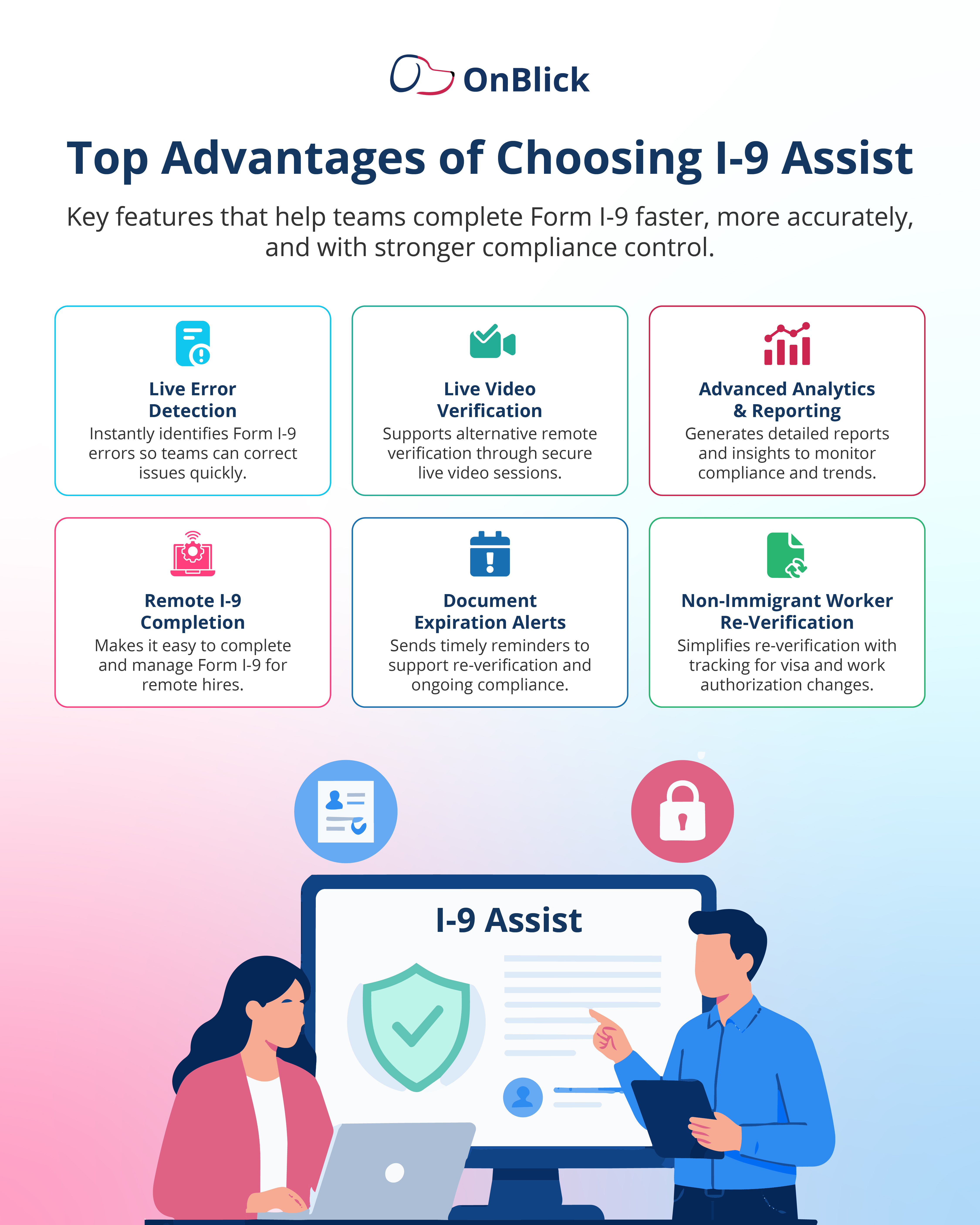
OnBlick Authorized Representative Network for Remote I-9 Verification
Managing remote I-9 verification internally can be difficult when employees are spread across multiple cities and states. OnBlick’s Authorized Representative Network is designed to make i 9 verification for remote employees simpler and more reliable.
OnBlick provides access to a nationwide network of trained representatives who can meet employees in person, perform i 9 form verification, and complete Section 2 on your behalf. HR teams are supported with standardized instructions, a consistent workflow, and dashboards that show which appointments are completed, pending, or overdue.
By using OnBlick’s network, employers can scale authorized representative i-9 coverage without building their own ad-hoc list of local contacts. This helps ensure that every remote hire gets the same structured experience, and that your organization’s i-9 verification records are audit-ready no matter where employees are located.