.gif)


These days AI is becoming a bigger part of HR operations, but the terms used to describe AI tools often confuse many of us. HR teams may come across solutions called HR chatbots, AI HR assistants, AI agents for HR, conversational AI tools, or virtual HR assistants. While these tools may overlap in some areas, they are not always built for the same purpose.
For employers, the real question is not just which AI tool sounds more advanced. It is about understanding what kind of support the HR team actually needs.
This blog explains the key differences between HR chatbots, AI HR assistants, and AI HR Agents, along with their common use cases, benefits, limitations, and factors to consider when choosing the right AI tool for HR.
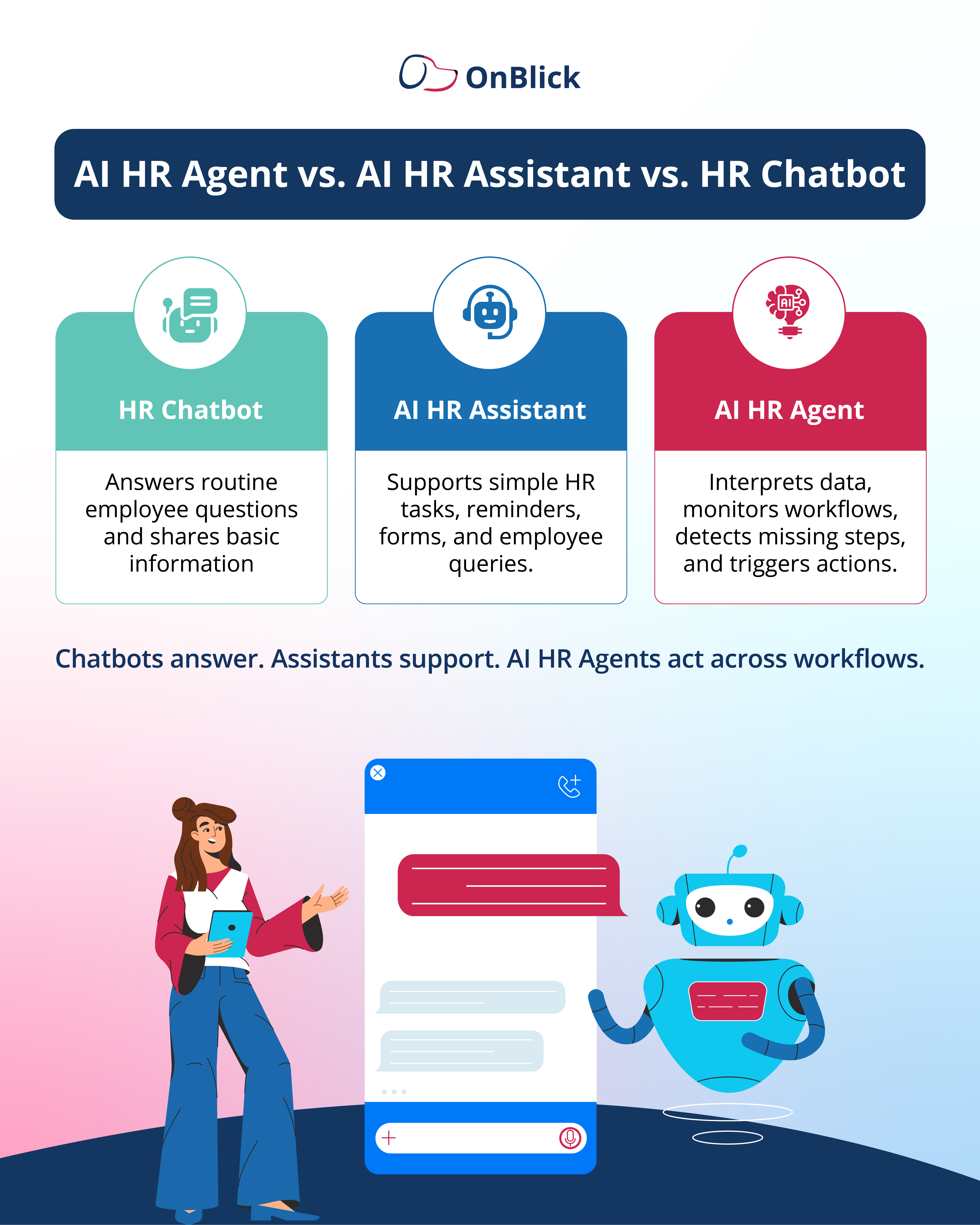
Quick Comparison: HR Chatbot vs. AI HR Assistant vs. AI HR Agent
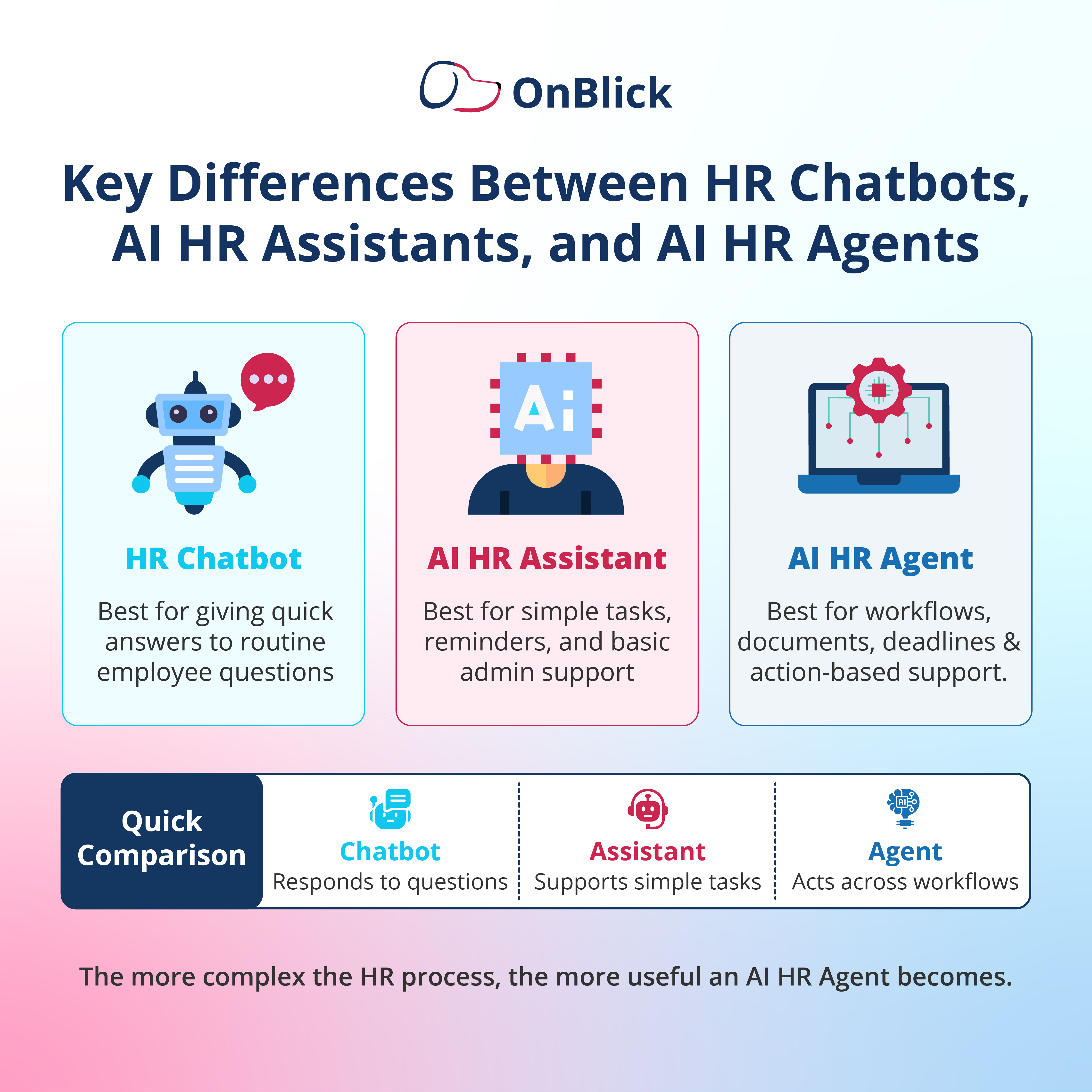
HR chatbots, AI HR assistants, and AI HR Agents can all support HR teams, but they usually work at different levels.
- A chatbot is often used for quick employee self-service.
- An AI HR assistant can support simple tasks and routine HR requests.
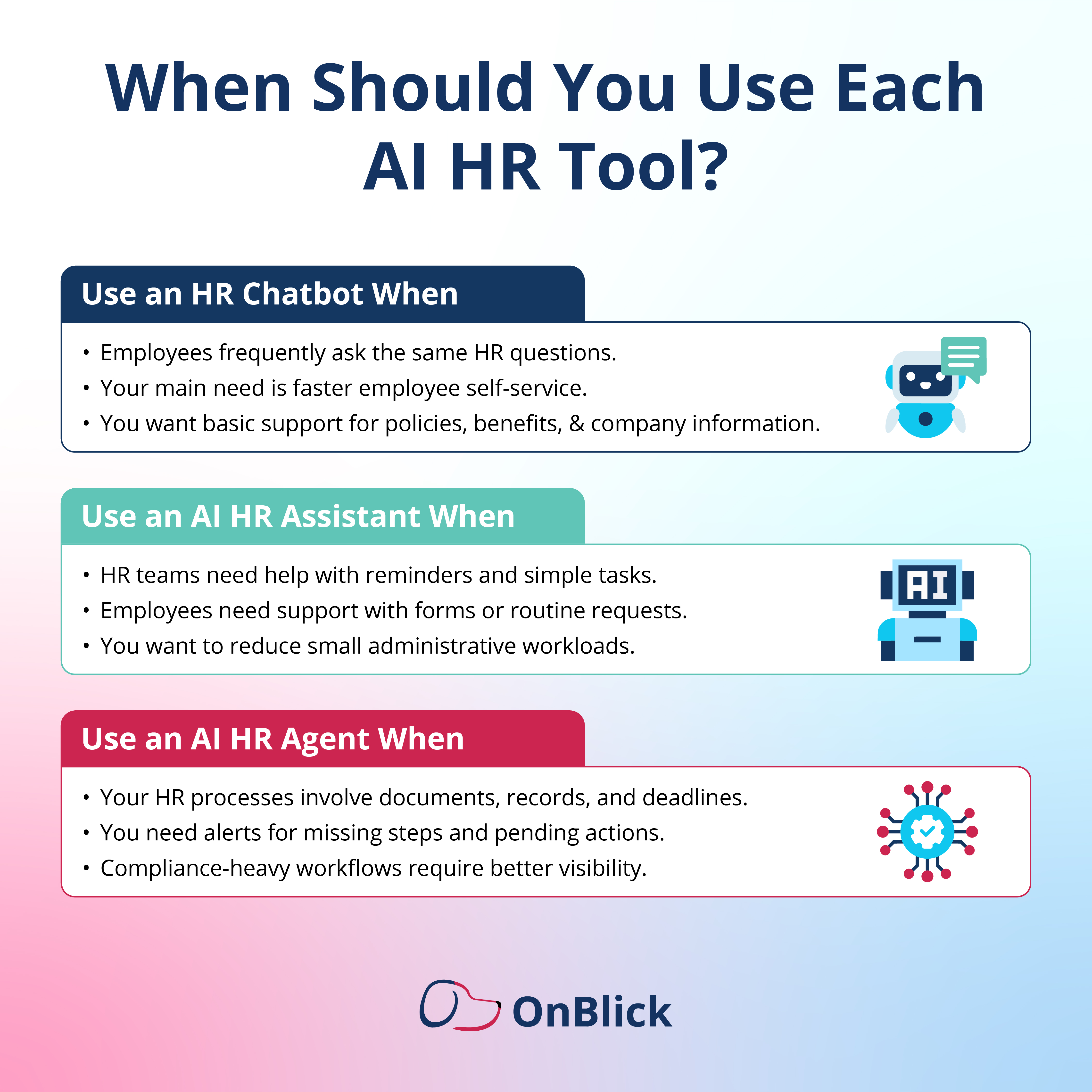
- An AI HR Agent is more suited for workflow-based support, especially where documents, records, deadlines, and actions need to be managed.
This comparison gives a simple overview, but the right choice depends on the problems your HR team wants to solve. A small team dealing with repeated employee questions may benefit from an HR chatbot, while a compliance-heavy organization may need AI support that can work across documents, tasks, and workflows.
What is an HR Chatbot?
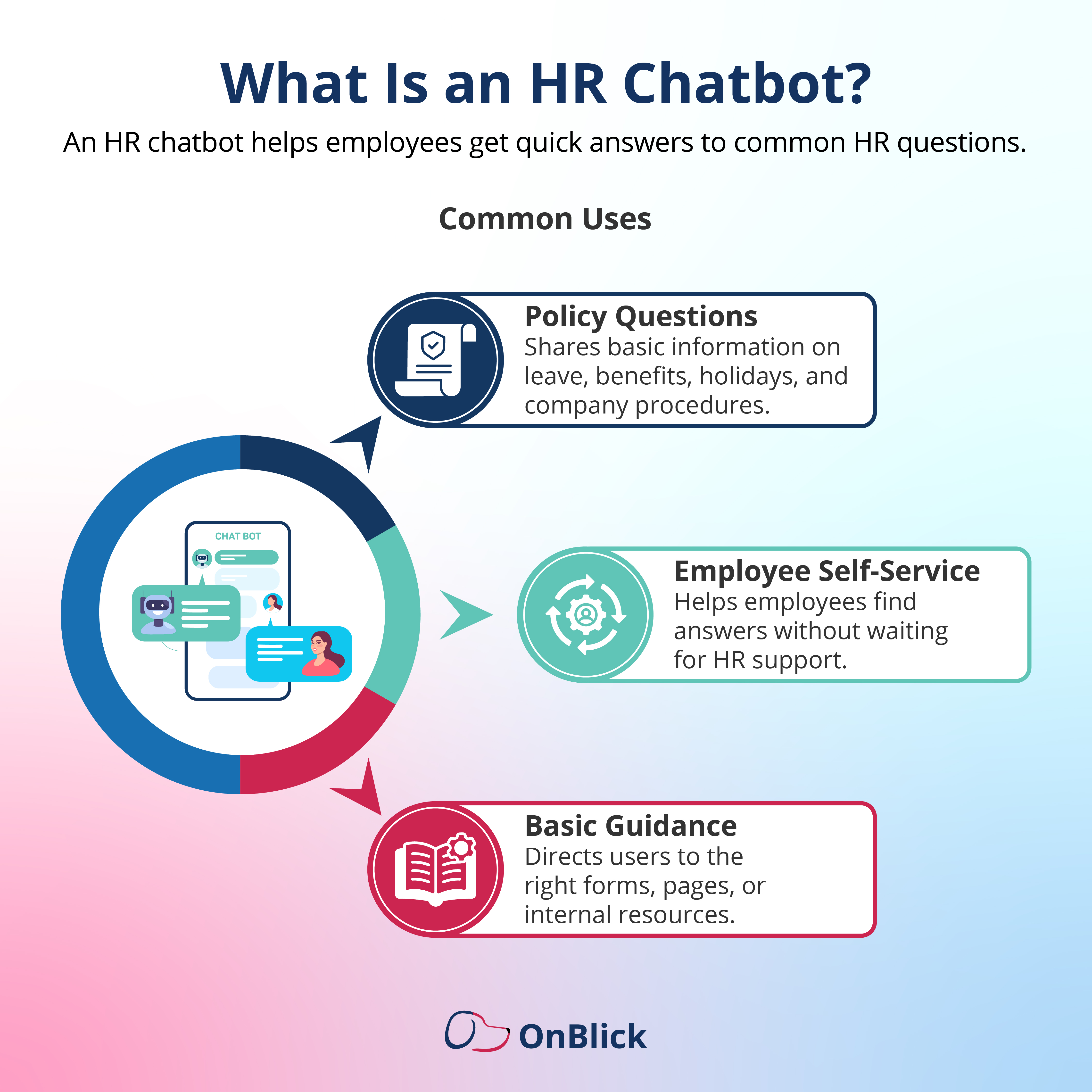
- An HR chatbot is a conversational AI tool that helps employees get quick answers to common HR questions. It is usually connected to a company’s HR knowledge base, policy documents, or internal helpdesk system so employees can find basic information without waiting for manual support.
- HR chatbots are commonly used for employee self-service. For example, an employee may ask about leave policies, holiday calendars, benefits, payroll dates, company procedures, or where to find a specific HR form. The chatbot can respond with relevant information or guide the employee to the right resource.
- For HR teams, this can reduce the number of repeated questions they receive every day. Instead of answering the same policy or process-related queries manually, HR can allow employees to access routine information through the chatbot.
- This is especially useful for organizations with distributed teams, growing workforces, or high volumes of employee questions.
- However, most HR chatbots are best suited for question-and-answer support. They are useful when the employee already knows what they want to ask and the answer exists in the company’s HR content or knowledge base.
Common HR Chatbot Use Cases
HR chatbots can support several everyday HR service needs, including:
- Answering leave, holiday, and attendance policy questions
- Sharing benefits-related information
- Guiding employees to HR forms or internal resources
- Supporting basic onboarding questions
- Helping employees access company policies
- Reducing repeated HR helpdesk queries
- Providing quick employee self-service support
An HR chatbot is a good fit when a company’s main need is to improve access to routine HR information and reduce repetitive employee questions.
What is an AI HR Assistant?
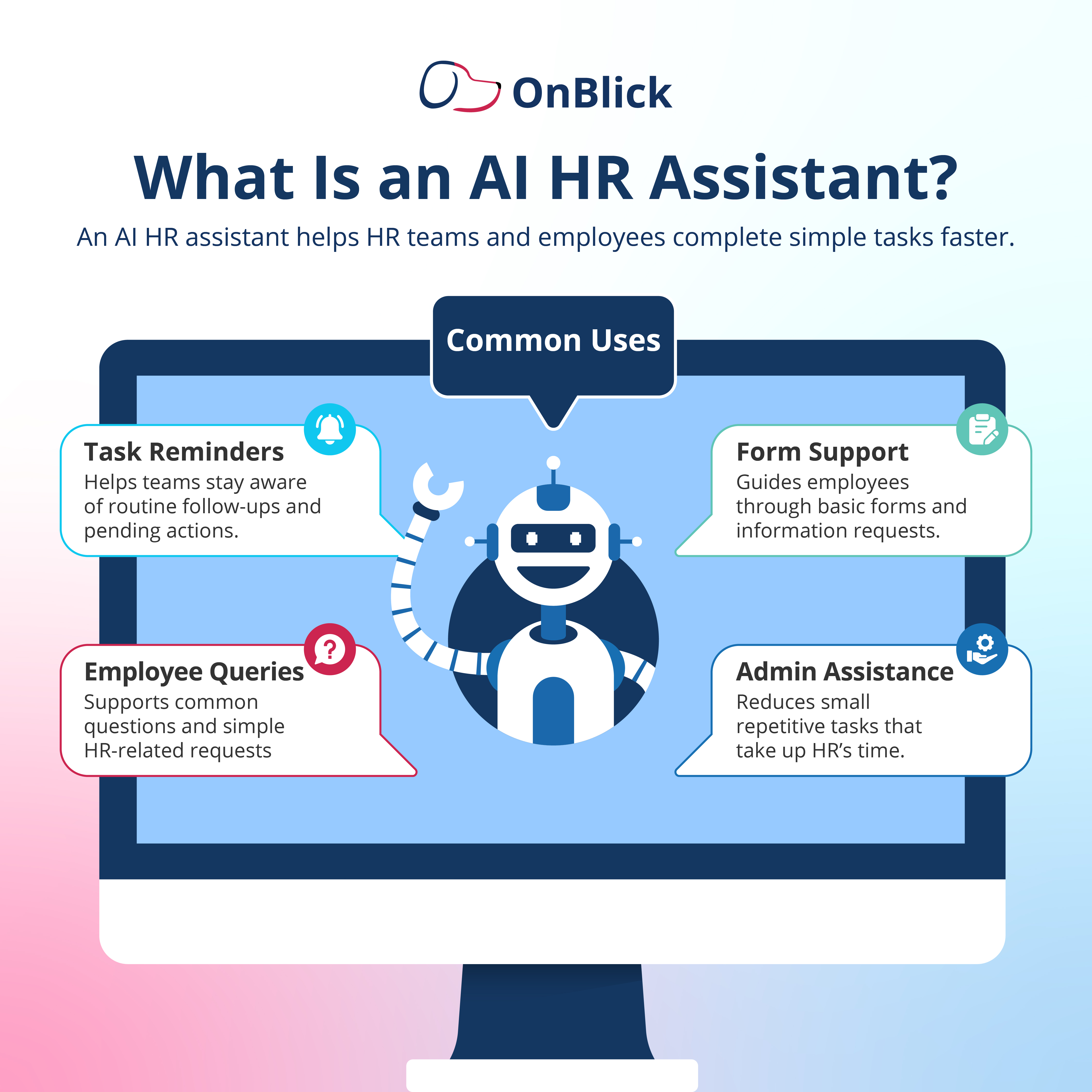
- An AI HR assistant is a tool that helps HR teams and employees complete simple tasks, manage routine requests, and receive guided support. It can do more than answer questions, but it is usually focused on basic administrative help rather than complex workflow management.
- For example, an AI HR assistant may help employees fill out forms, send reminders for pending actions, guide users through basic HR requests, or provide updates related to employee service requests. It can also assist HR teams by reducing small administrative tasks that take time when handled manually.
- AI HR assistants are useful in HR environments where employees need more than static information but do not always require deep workflow automation. They can make common HR processes easier by offering guidance, reminders, and simple task support.
- For HR teams, this can improve response times and reduce routine administrative workload. Instead of manually following up on every small request or reminder, teams can use an AI HR assistant to support basic interactions and keep simple tasks moving.
Common AI HR Assistant Use Cases
AI HR assistants can support HR teams and employees through:
- Form guidance and basic information collection
- Reminders for pending HR tasks
- Employee query handling
- HR service request updates
- Simple onboarding assistance
- Basic administrative support
- Guidance for routine employee processes
An AI HR assistant is a good fit when companies want to reduce small administrative tasks and provide guided support for routine HR activities.
What is an AI HR Agent?
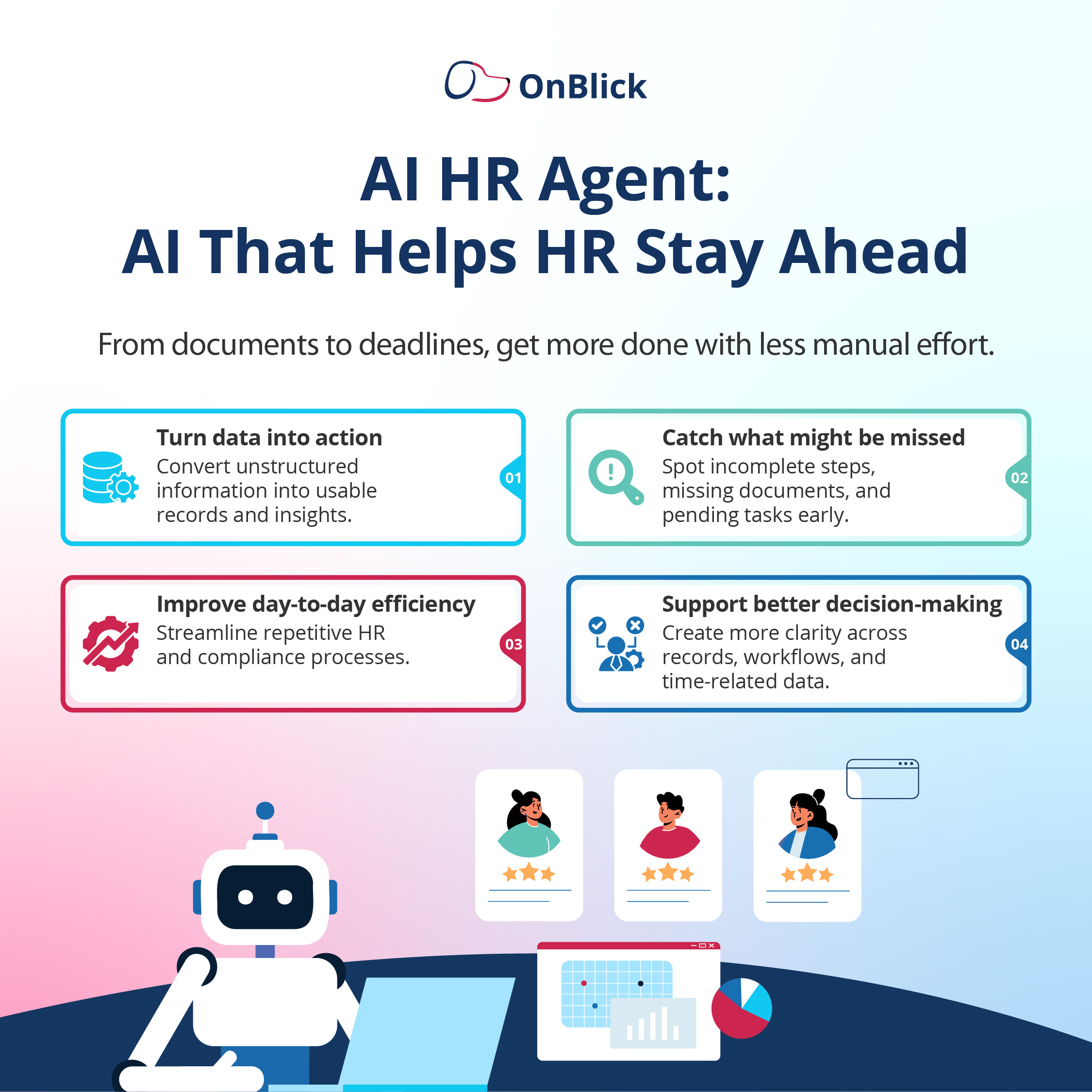
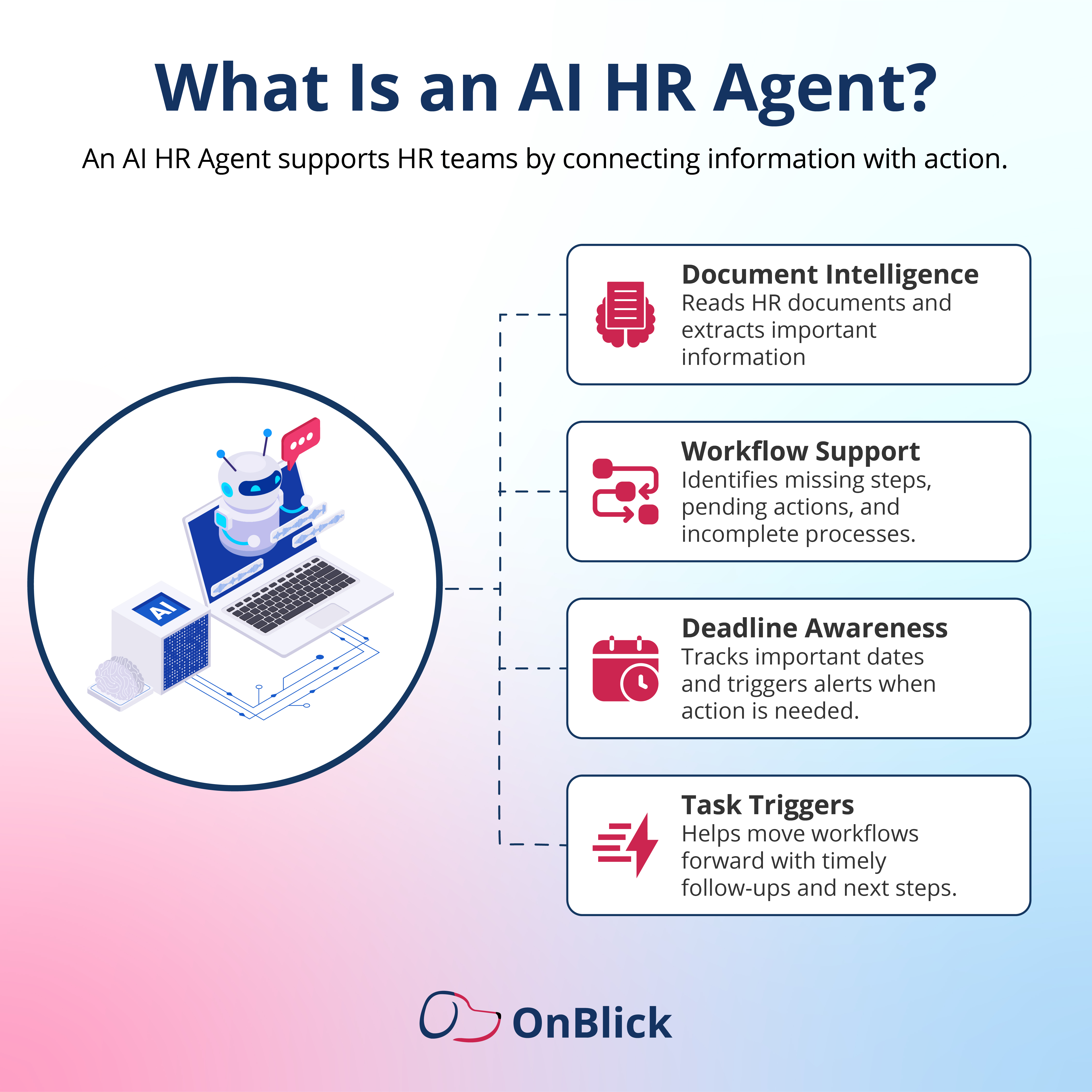
- An AI HR Agent is an AI-powered system that supports HR teams by helping manage process-driven work across documents, records, tasks, and workflows. It is designed to connect information with action, especially in HR operations where multiple steps, deadlines, and follow-ups need to be tracked.
- In HR, an AI Agent can help read documents, extract important information, identify missing details, monitor workflow progress, and trigger alerts or tasks when something needs attention.
- This makes it useful for teams that handle documentation-heavy processes, compliance requirements, timesheets, employee records, or staffing-related workflows.
- For example, if an employee record is incomplete, an AI HR Agent may help identify the missing information and prompt the next step. If a deadline is approaching, it may trigger an alert. If a document is uploaded, it may help extract relevant fields and structure the data for review.
- AI HR Agents are especially useful when HR work involves more than answering questions or sending reminders. They can support processes where HR teams need better visibility, faster follow-ups, and more control over operational tasks.
Common AI HR Agent Use Cases
AI HR Agents can support HR teams through:
- Document intelligence and data extraction
- Employee record management
- Workflow monitoring
- Missing document or missing step detection
- Deadline tracking and alerts
- Timesheet and work data support
- Compliance-related follow-ups
- Task triggers and next-step actions
An AI HR Agent is a good fit when companies need support for document-heavy, workflow-driven, or compliance-sensitive HR operations.
How to Choose the Right AI Tool for HR
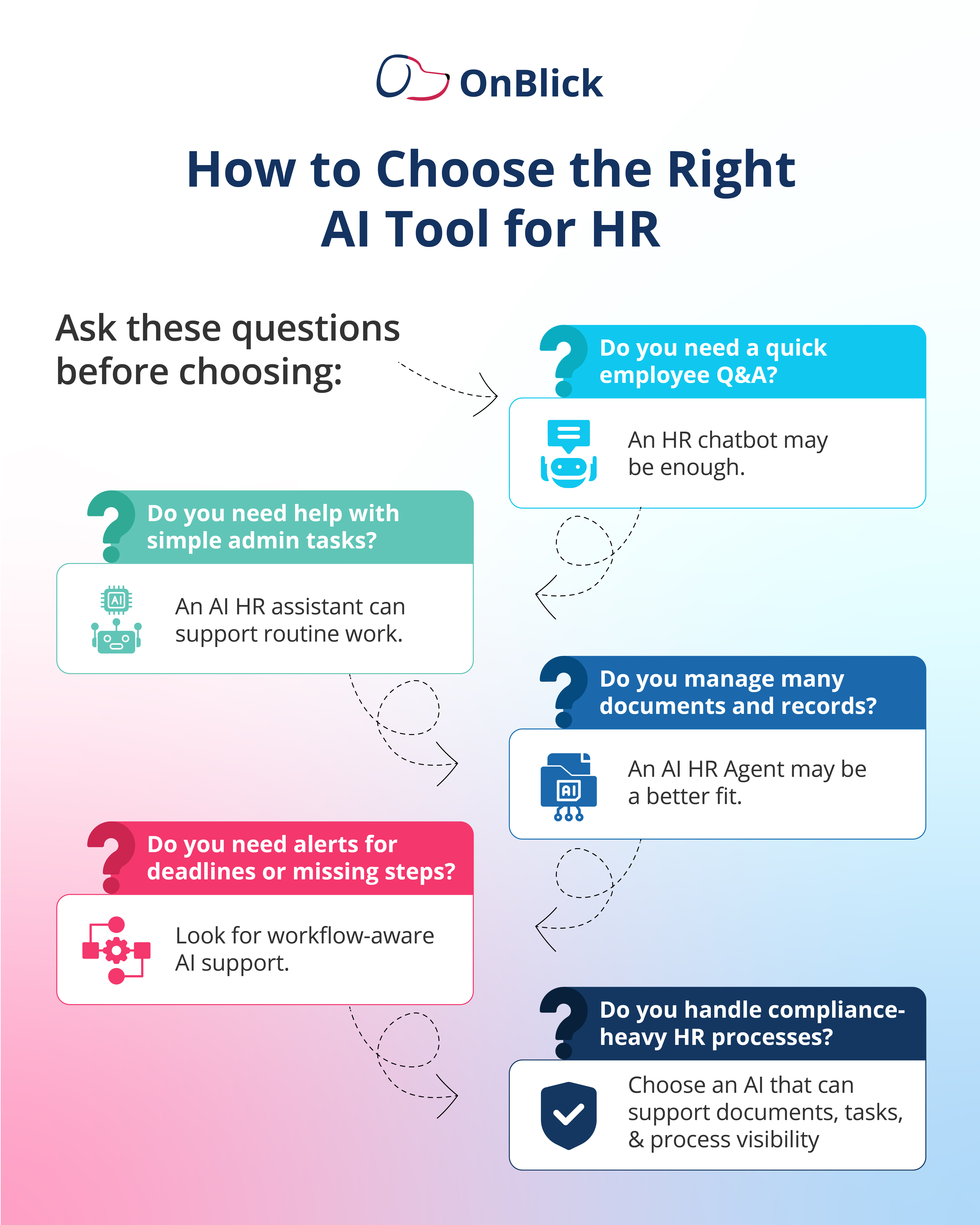
- Choosing the right AI tool for HR starts with understanding the problem your team wants to solve. Some organizations need faster answers to common employee questions. Others need help with routine requests, reminders, documents, deadlines, or compliance-related workflows.
- Before selecting an HR AI tool, companies should look at the type of work that takes the most time, creates the most delays, or requires the most follow-up. The best choice depends on whether the need is simple employee self-service, basic administrative support, or more structured workflow assistance.
A few questions can help guide the decision:
- What is your main HR challenge?
If HR teams spend too much time answering the same employee questions, a chatbot may be useful. If the challenge is handling routine requests, reminders, or form-related support, an AI HR assistant may help. If the challenge involves documents, records, deadlines, and multiple process steps, a more workflow-aware AI HR Agent may be a better fit.
- Do you need support for documents and records?
Many HR processes depend on accurate documents and updated employee records. If the team regularly reviews forms, uploads, timesheets, compliance documents, or employee files, the AI tool should be able to support document understanding, data extraction, and record organization.
- Are deadlines and follow-ups a major concern?
If missed deadlines, delayed approvals, or incomplete steps create risk for the organization, the AI tool should do more than answer questions. It should help identify pending actions, trigger reminders, and improve visibility into what needs attention.
- How important is employee self-service?
For companies that receive frequent employee questions about policies, benefits, leave, holidays, or internal procedures, employee self-service may be a priority. In that case, the AI tool should make it easy for employees to get accurate answers quickly.
- Does the tool fit your HR and compliance needs?
HR AI tools should match the company’s actual operating environment. A general chatbot may work for basic questions, but companies with compliance-heavy workflows may need stronger support for documents, tasks, records, access controls, and audit visibility.
- How much human review is required?
AI can reduce manual effort, but it should not remove human judgment from important HR decisions. Companies should choose tools that allow HR teams to review information, handle exceptions, and stay in control of sensitive matters.
The right AI tool should make HR work easier, not more complicated. It should reduce repetitive effort, improve visibility, and support the way the HR team already works.
What Features Should Companies Look for in an HR AI Tool?
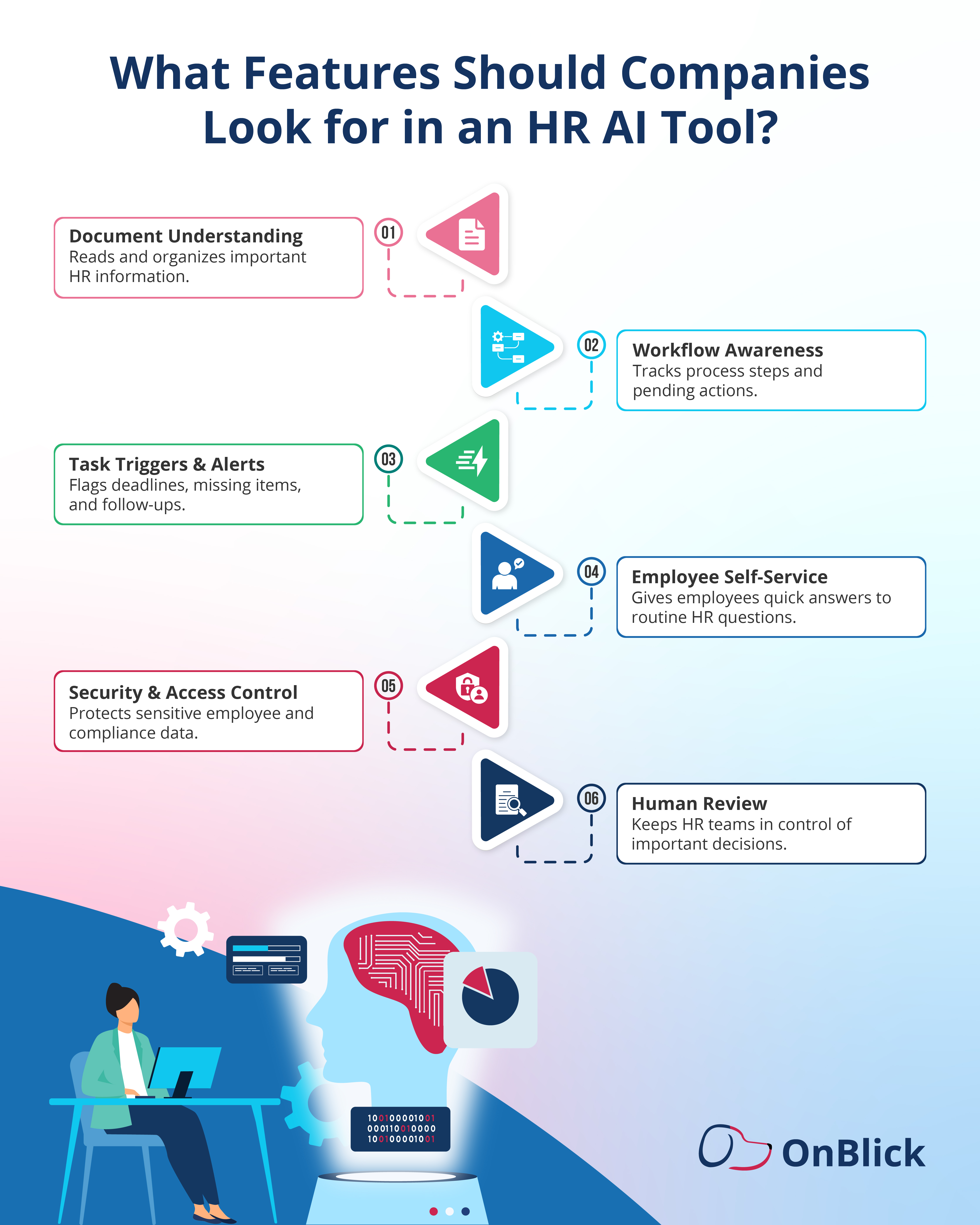
Once companies understand their needs, the next step is to evaluate the features that matter most. The best HR AI tool should not only respond to questions. It should also support secure, accurate, and practical HR operations.
- Document Understanding
HR teams often work with employee records, forms, policy documents, compliance files, timesheets, and other uploads. An effective HR AI tool should help read, extract, and organize important information from these documents.
- Workflow Awareness
HR work often involves multiple steps. A useful AI tool should understand where a process stands, what is pending, and what action may be needed next. This is especially important for onboarding, compliance, document review, and employee record updates.
- Task Triggers and Alerts
The tool should help teams stay on top of deadlines, missing steps, pending approvals, and follow-ups. Alerts and task triggers can reduce the chances of important actions being missed.
- Employee Self-Service Support
For employee-facing use cases, the tool should help users quickly access answers related to policies, benefits, leave, company procedures, and basic HR requests. This can reduce repeated HR helpdesk queries and improve response times.
- Security and Access Control
HR data is sensitive. Companies should look for tools that support secure access, role-based permissions, and responsible handling of employee information. Security should be a core requirement, not an afterthought.
- Human Review and Control
AI should support HR teams, not make unchecked decisions. The tool should allow HR professionals to review outputs, correct errors, manage exceptions, and make final decisions where human judgment is required.
- Integration Readiness
The AI tool should fit into existing HR workflows and systems as much as possible. If it operates separately from the tools HR teams already use, it may create extra work instead of reducing it.
- Reporting and Visibility
A good HR AI tool should give teams visibility into pending tasks, completed actions, document status, workflow progress, and areas that need attention. This helps HR leaders understand where delays or gaps may exist.
When evaluating HR AI tools, companies should look beyond surface-level automation. The right solution should support accuracy, security, employee experience, and the practical needs of everyday HR operations.
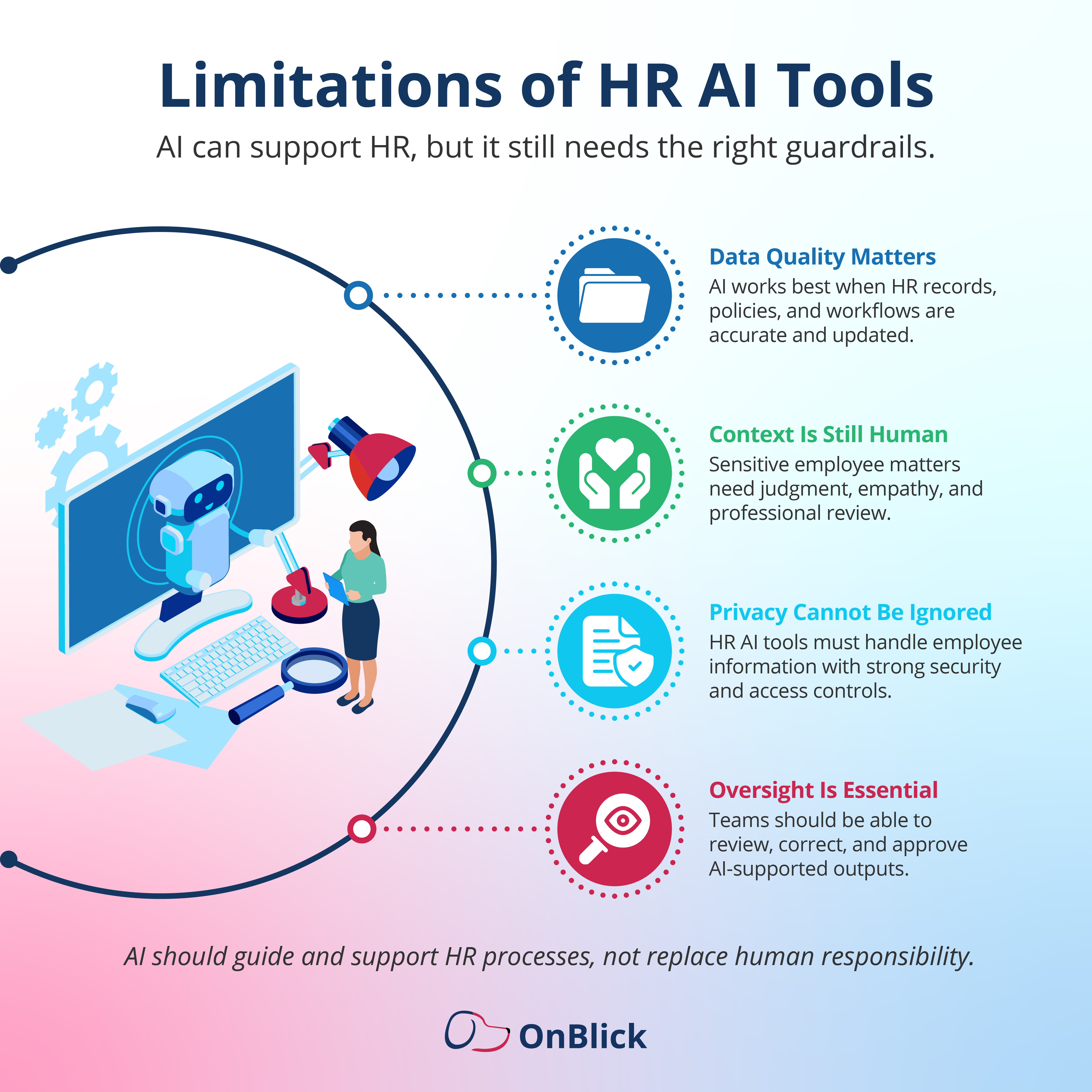
Limitations of HR AI Tools
HR AI tools can improve speed, consistency, and visibility, but they also have limitations. Companies should understand these limitations before using AI in sensitive HR processes.
- First, AI tools depend on the quality of the data and instructions they receive. If policy documents are outdated, employee records are incomplete, or workflows are poorly defined, the AI output may also be incomplete or inaccurate. This is why HR teams should keep their source information updated and review how AI tools are configured.
- Second, AI should not replace human judgment in important HR matters. Employee relations, policy exceptions, performance concerns, compliance decisions, and sensitive workplace issues often require context, empathy, and professional review. AI can support the process, but HR teams should remain responsible for final decisions.
- Third, privacy and security need careful attention. HR systems often contain sensitive employee information, personal documents, payroll details, work authorization records, and compliance-related data. Any AI tool used in HR should have proper access controls, security safeguards, and clear rules for how information is handled.
- Companies should also avoid using AI without clear oversight. Even when AI can automate reminders, extract information, or support workflows, HR teams should be able to review outputs, correct errors, and manage exceptions.
In short, AI works best when it supports HR teams within a clear process. It should help reduce manual effort and improve visibility, while keeping people in control of important decisions.
How OnBlick’s AI HR Agent Supports HR and Compliance Workflows
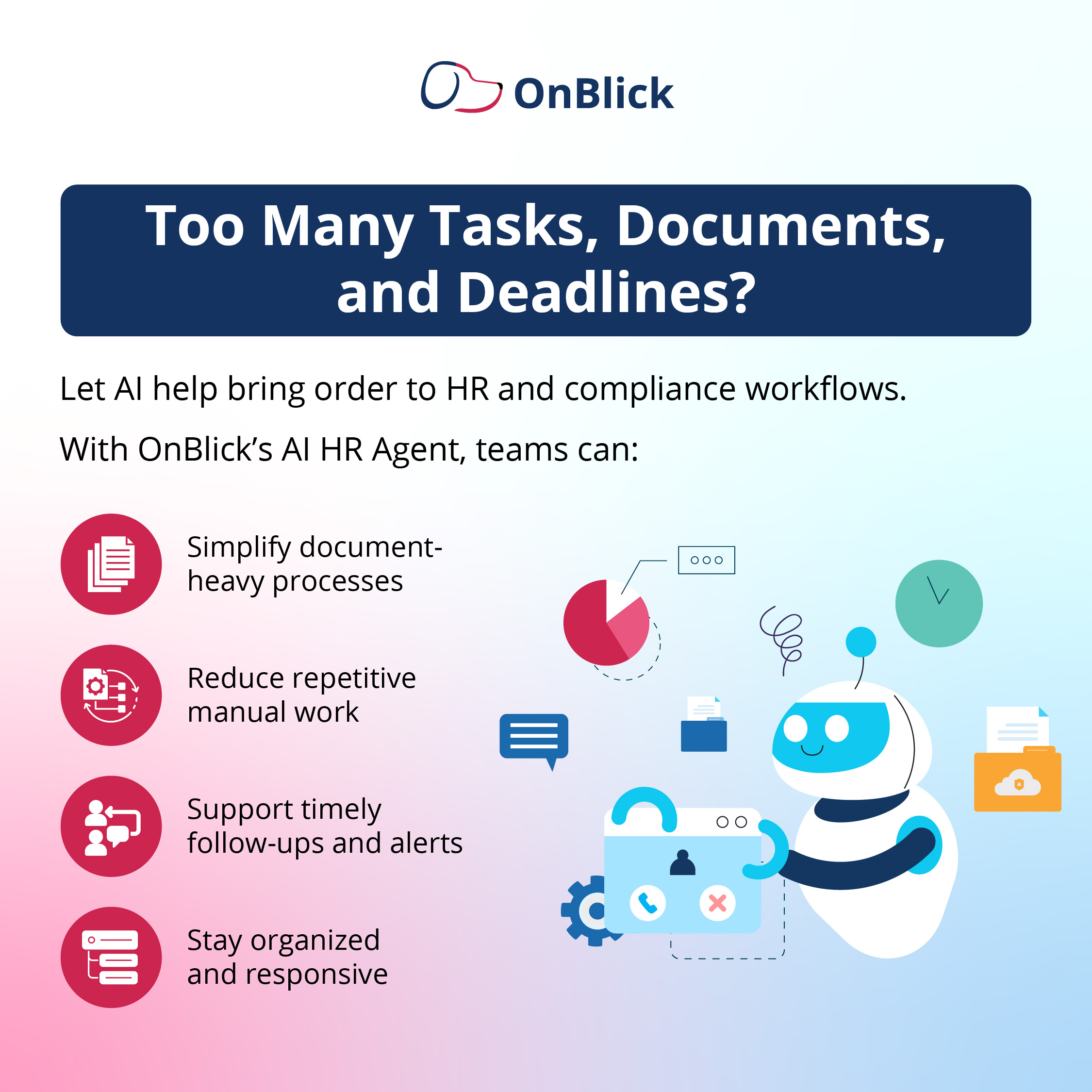
OnBlick’s AI HR Agent is designed to support HR, immigration compliance, and staffing-related workflows by helping teams reduce manual work and improve process visibility.
It can assist with document intelligence, data extraction, timesheet structuring, workflow alerts, and task triggers. This helps HR teams identify missing documents, incomplete steps, upcoming deadlines, and records that require attention.
For companies managing documentation-heavy and compliance-sensitive HR operations, OnBlick’s AI HR Agent can help bring more structure to everyday processes. It supports teams by helping them organize information, act on pending items, and keep important workflows moving.
Unlike basic HR chatbot support, OnBlick’s AI HR Agent is built to assist with workflow-driven HR processes where documents, records, deadlines, and follow-ups matter. This can be especially useful for employers that need stronger visibility across HR, staffing, and immigration compliance activities.
Book a free OnBlick demo to learn how AI-powered HR and compliance workflows can help your team reduce manual work and stay better organized.
Frequently Asked Questions About HR AI Tools
1. How are AI chatbots used in HR departments?
AI chatbots are used in HR departments to answer routine employee questions, support HR helpdesk requests, and guide employees to relevant policies, forms, or internal resources. They are commonly used for questions related to leave, holidays, benefits, attendance, onboarding, and company procedures.
2. What are the benefits of using AI in HR service delivery?
AI can help improve HR service delivery by reducing response times, lowering repetitive administrative work, improving access to information, and helping teams manage requests more consistently. It can also support faster follow-ups and better visibility into pending HR tasks.
3. Can AI tools improve employee experience in HR?
Yes. AI tools can improve employee experience by helping employees get faster answers, easier access to HR information, and more timely support for routine requests. When used properly, they can reduce delays and make HR services more accessible.
4. Can HR AI tools help with onboarding?
Yes. HR AI tools can support onboarding by helping answer new hire questions, guiding employees to required forms, sending reminders, supporting document collection, and helping HR teams track pending onboarding tasks.
5. Are HR chatbots useful for small businesses?
HR chatbots can be useful for small businesses if HR teams receive repeated employee questions and have limited time to respond manually. A chatbot can help employees access basic HR information faster and reduce routine support requests.
6. What should companies consider before using AI in HR?
Companies should consider data privacy, accuracy, access control, human oversight, employee communication, and compliance requirements before using AI in HR. They should also make sure the AI tool fits the actual needs and workflows of the HR team.
7. Can AI be used for HR compliance support?
Yes. AI can support HR compliance by helping track documents, identify missing information, monitor deadlines, organize records, and trigger follow-ups when action is required. However, HR teams should still review important compliance matters and make final decisions.
8. Do HR AI tools need human oversight?
Yes. HR AI tools need human oversight, especially when they are used in sensitive employee matters, compliance workflows, policy-related issues, or decision-making processes. AI can support HR work, but human review helps ensure accuracy, fairness, and proper judgment.
9. How can companies measure the success of HR AI tools?
Companies can measure the success of HR AI tools by tracking response time, reduction in repetitive queries, task completion rates, fewer missed follow-ups, document processing speed, employee satisfaction, and improvements in HR team productivity.
10. What is the future of AI in HR operations?
The future of AI in HR operations is likely to move beyond simple Q&A support. HR AI tools may become more workflow-aware, with stronger document intelligence, better employee self-service, improved task tracking, and greater visibility into HR operations.
Summary
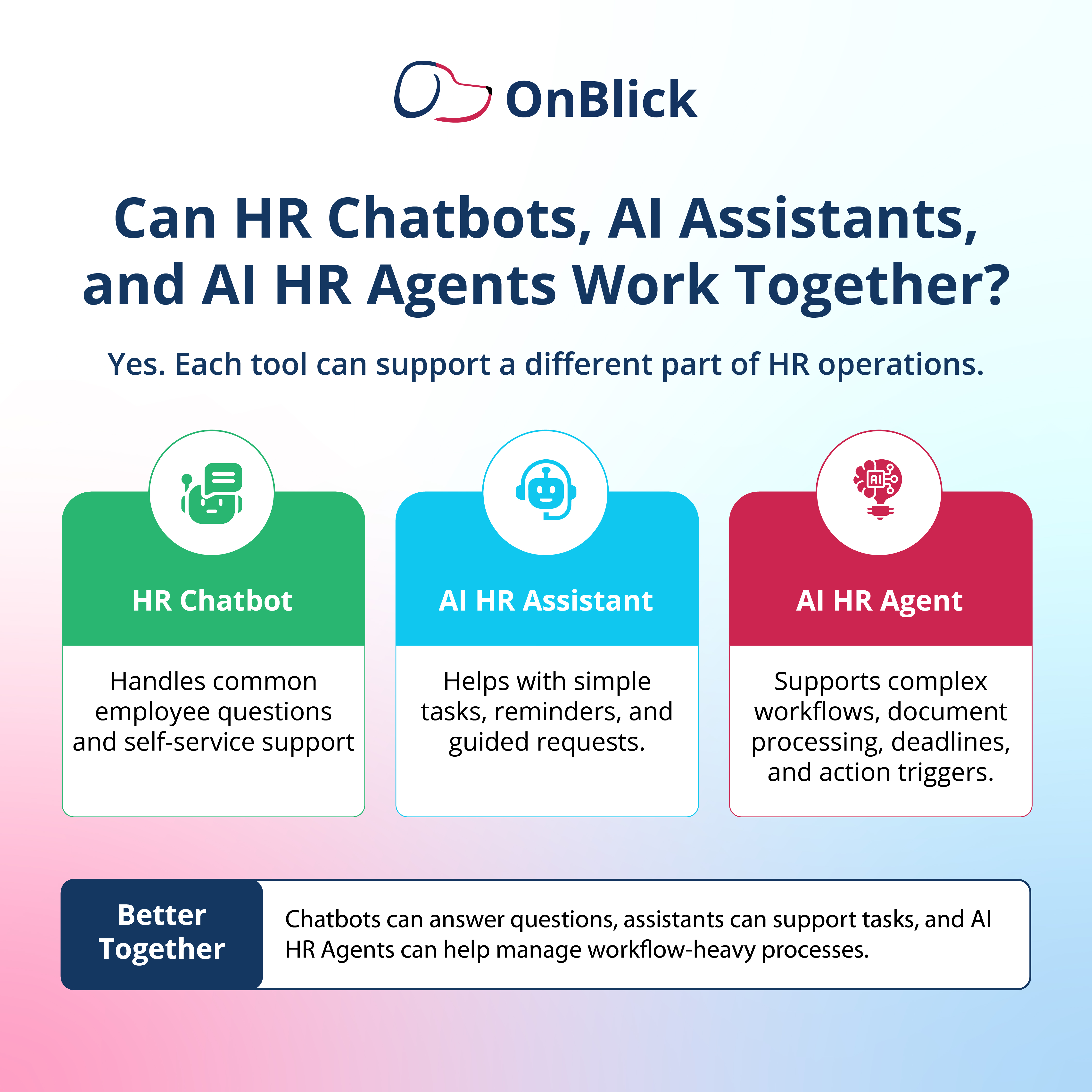
AI tools are becoming a practical part of modern HR operations. They can help teams answer employee questions, support routine requests, manage documents, track tasks, and improve visibility across HR workflows.
The right tool depends on the kind of support the organization needs. Some companies may need simple employee self-service, while others may require stronger support for documents, deadlines, compliance workflows, and operational follow-ups.
However, AI should be used as a support system, not a replacement for HR judgment. Human review, data quality, privacy, and clear processes remain essential.
As HR work becomes more complex and time-sensitive, companies that choose the right AI tool can reduce manual effort, improve employee support, and help HR teams work with more speed, structure, and confidence.