.gif)

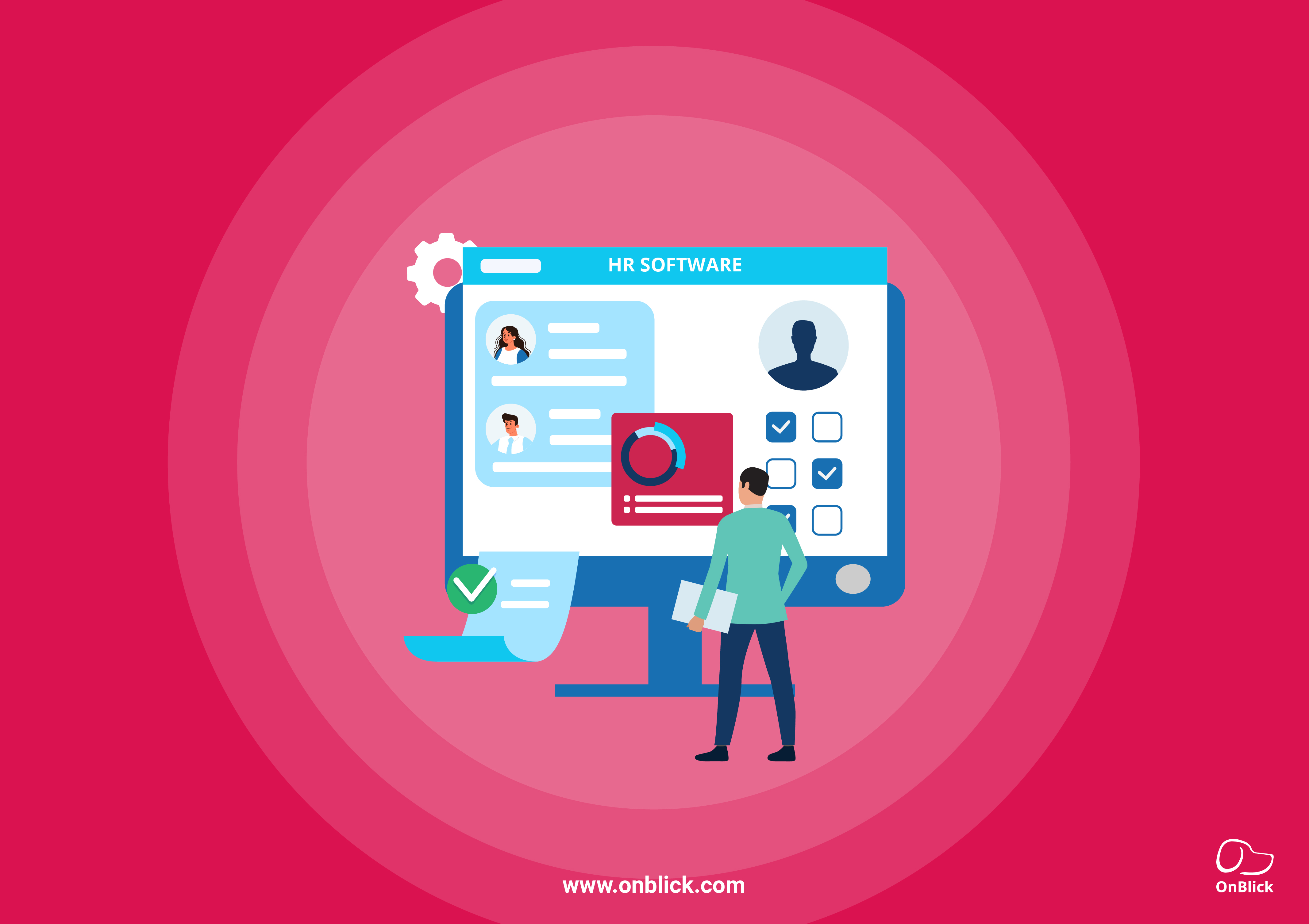

Choosing human resources software is an important decision for any business that wants to manage HR work more accurately and with less manual effort. The right platform can help HR teams organize employee records, manage onboarding, track time and leave, support payroll-related data, handle documents, and improve day-to-day employee support.
For many employers, the search begins when spreadsheets, email approvals, shared folders, and manual reminders create delays, errors, and inconsistent employee experiences. However, choosing the right platform requires more than comparing features and prices. Employers should consider their current HR challenges, required processes, user needs, and future growth.
This article explains what human resources software does, the key features and benefits to review, how HR software compares with HRIS, HRMS, and HCM systems, and what employers should consider before purchasing the right HR platform.
What is Human Resources Software?
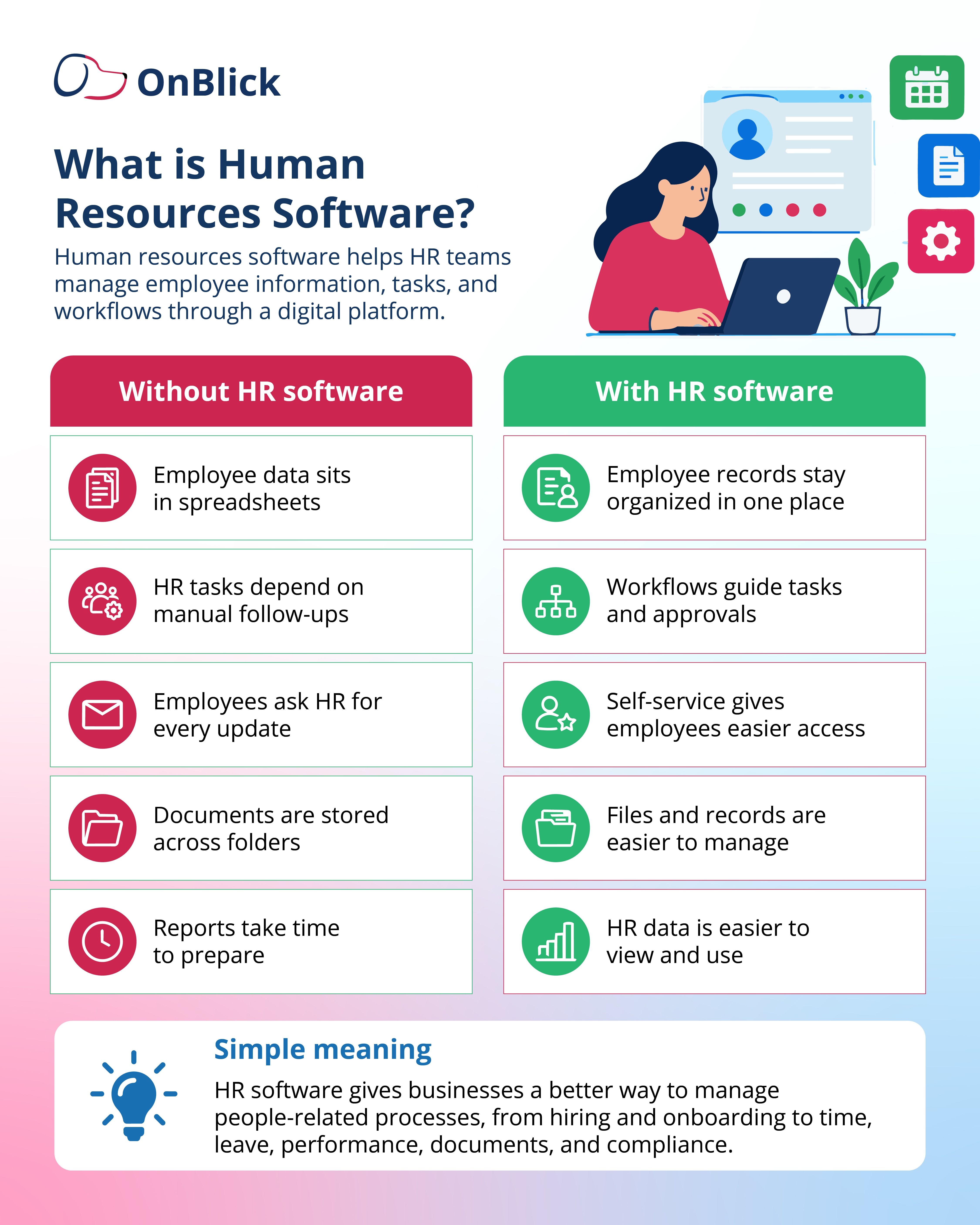
- Human resources software is a digital platform that helps employers manage employee information, HR tasks, and people-related processes. It brings core HR activities into one system so HR teams can spend less time searching for records, updating spreadsheets, or following up manually.
- Human resources software may support functions such as employee records, onboarding, time and attendance, leave management, payroll-related data, benefits administration, performance management, document storage, employee self-service, reporting, and compliance workflows. The exact features depend on the platform and the needs of the business.
- For employees, HR software can make it easier to access personal information, submit requests, complete onboarding tasks, view leave details, or find HR documents. For managers, it can provide better visibility into team information, approvals, schedules, and performance-related tasks.
- For HR teams, the value comes from structure. Instead of managing employee data across disconnected files and inboxes, HR can use a single platform to track updates, maintain records, assign tasks, and review important information when needed.
In simple terms, human resources software helps businesses manage the employee lifecycle more efficiently, from hiring and onboarding to daily HR support, performance, time off, documents, and compliance-related work.
Why do businesses need HR software?
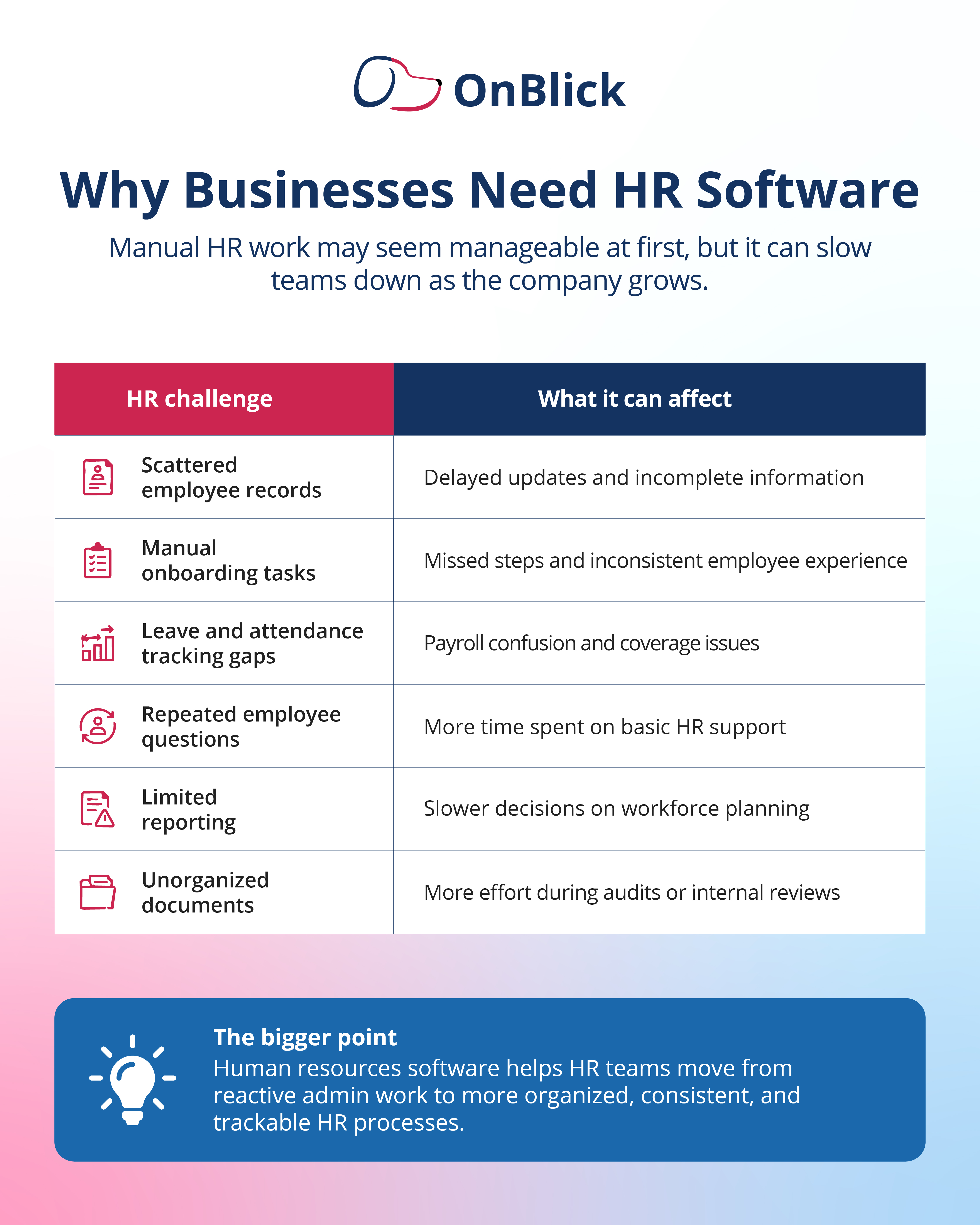
- Businesses usually start looking for HR software when everyday HR tasks become harder to control manually. Spreadsheets, email approvals, shared folders, and reminder-based follow-ups may work for a small team, but they can become unreliable as the workforce grows.
- The need often shows up in practical ways. New hire tasks get missed. Employee records become outdated. Leave approvals sit in inboxes. Payroll teams wait for corrected information. Managers ask for reports that take hours to prepare. Employees depend on HR for simple updates they could have accessed themselves.
- These problems affect more than the HR team’s workload. They can slow onboarding, create inconsistent processes, increase payroll corrections, delay employee support, and make it harder for leaders to understand workforce trends.
- Human resources software helps businesses replace scattered processes with a more organized system. It gives HR teams a clearer way to manage employee information, assign tasks, track requests, and keep important records available when needed.
- For employers, the real value is control. HR software helps teams know what has been completed, what is pending, who needs to act, and where important employee information is stored.
How Does Human Resources Software Work?
- Human resources software works by turning common HR activities into structured digital processes. Instead of handling every update through separate files, emails, or manual reminders, HR teams can set up records, workflows, permissions, and reports inside one platform.
- The process usually begins with employee data. HR adds key details such as job title, department, manager, work location, employment status, contact information, documents, and other required records. This employee profile then becomes the basis for many HR actions.
- After the records are created, HR can configure workflows. For example, a new hire workflow may assign tasks to HR, the manager, IT, and the employee. A leave workflow may route a request to the manager for approval. A document workflow may remind an employee to review and acknowledge a policy.
- Most HR software also includes user roles. Employees may access their own information, managers may view team-related details, and HR administrators may manage broader records and settings. This helps keep information accessible without giving every user the same level of control.
- The software then supports tracking and reporting. HR can review pending tasks, employee updates, leave activity, onboarding progress, time records, documents, and other data that helps the team manage work more consistently.
Key Features of Human Resources Software
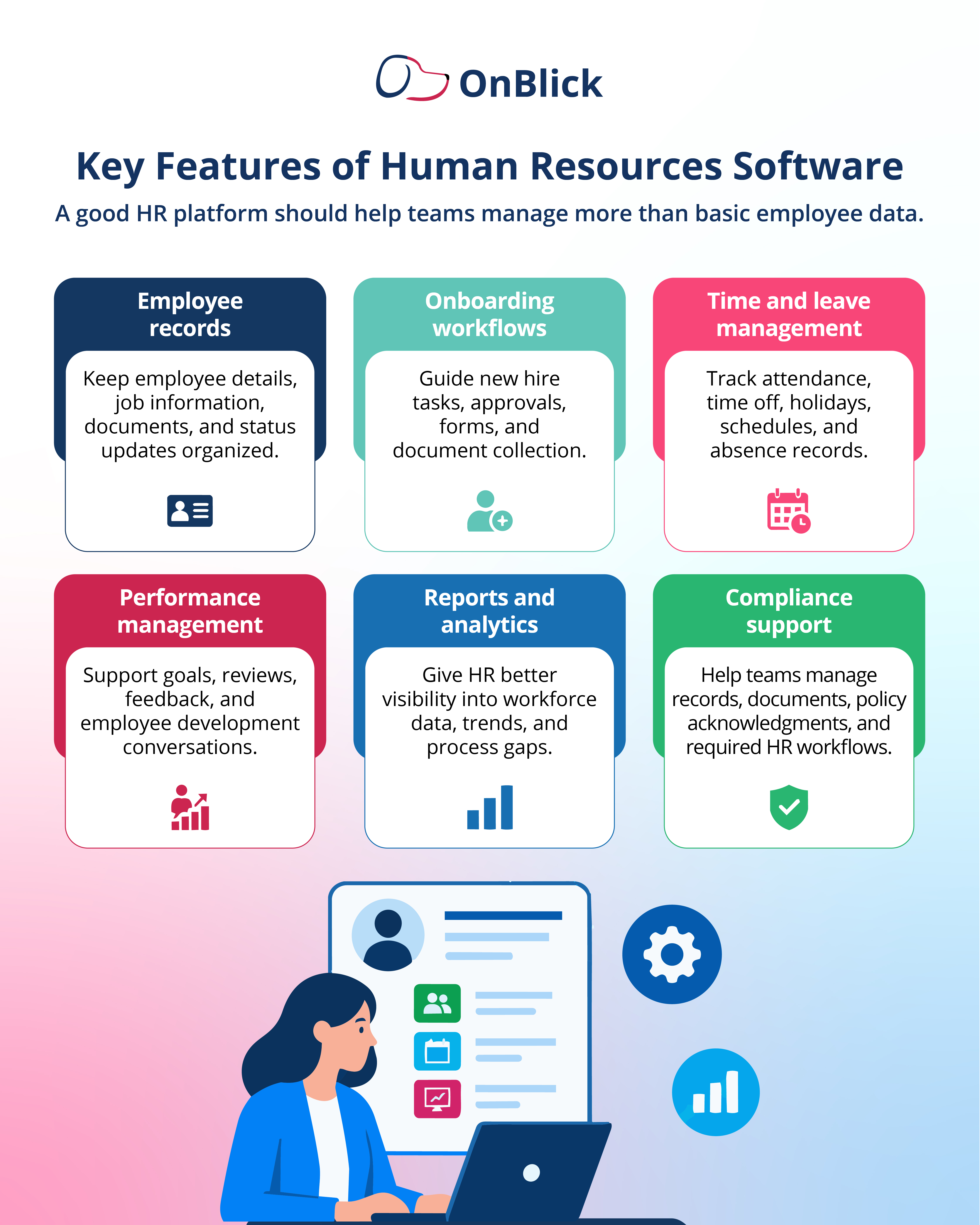
When comparing human resources software, employers should look at the features that match their actual HR needs. A long feature list is not enough. The platform should make everyday HR work easier to manage, review, and improve.
- Employee records: The software should provide a reliable place to store employee details, job information, status changes, work location, and important documents.
- Onboarding: HR teams should be able to assign new hire tasks, collect forms, track completion, and give employees a more organized start.
- Time and attendance: The platform should help track work hours, attendance patterns, schedules, and related records that may affect payroll and workforce planning.
- Leave management: Employees should be able to request leave, managers should be able to review requests, and HR should be able to track balances, holidays, and absence records.
- Payroll support: Even when payroll is handled separately, HR software should help maintain the employee, time, leave, and benefits data payroll teams need.
- Document management: HR should be able to store, update, and retrieve employee files, policies, forms, acknowledgments, and compliance-related documents.
- Performance management: The software may support goals, reviews, feedback, development plans, and manager-employee conversations.
- Employee self-service: Employees should be able to complete basic HR actions without depending on HR for every request.
- Reporting: The platform should help HR review data on headcount, leave, attendance, onboarding, performance, pending tasks, and other workforce activities.
- Compliance support: Employers should check whether the software supports required records, policy acknowledgments, workflow tracking, alerts, and audit-related documentation.
Types Of HR Software Systems
Human resources software can take different forms depending on what the business needs to manage. Some platforms cover a wide range of HR functions, while others focus on one specific area such as payroll, recruitment, performance, or time tracking.
- An HRIS, or Human Resource Information System, is often used to manage employee records and core HR administration. It may include employee profiles, job details, documents, reporting, and basic workflow support.
- An HRMS, or Human Resource Management System, usually covers a broader set of HR tasks. In addition to employee records, it may support time and attendance, leave management, payroll-related data, benefits administration, onboarding, and performance management.
- An HCM, or Human Capital Management system, is often used for broader people management. It may include core HR, talent management, workforce planning, learning, performance, compensation, and employee engagement.
Some employers also use point solutions. These are tools designed for one specific function, such as applicant tracking, payroll, performance reviews, benefits administration, or employee surveys. Point solutions can be useful, but they may create extra work if data does not move smoothly between systems.
For employers, the best choice depends on the size of the workforce, the number of HR processes that need support, payroll needs, compliance requirements, and whether the business wants one broader platform or separate tools for different HR functions.
HR software vs HRIS vs HRMS vs HCM
HR software, HRIS, HRMS, and HCM are related terms, and many vendors use them differently. This can make comparisons difficult for employers. Instead of focusing only on the label, HR teams should look at what the system actually does.
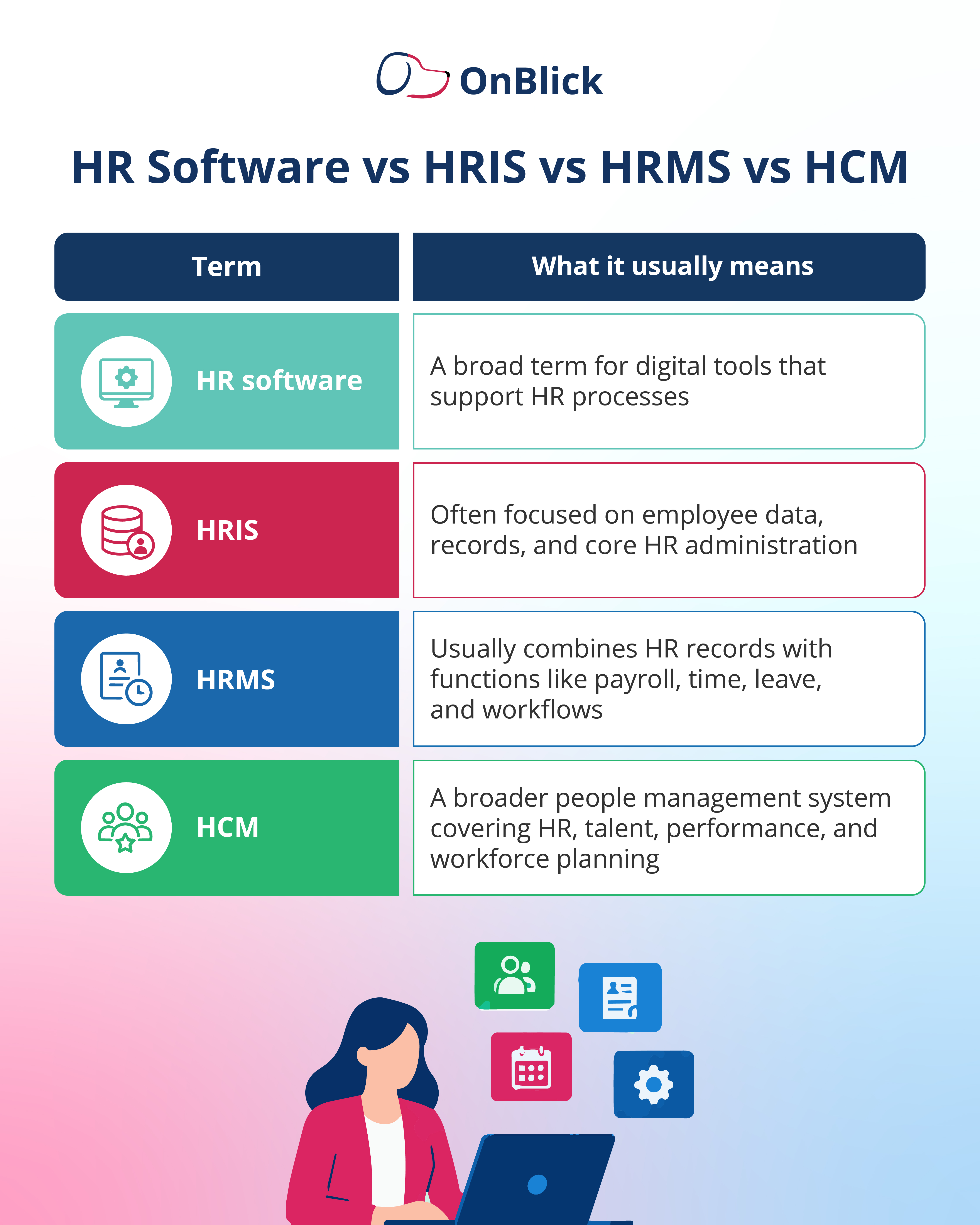
The terms often overlap, so two platforms with different labels may offer similar features. At the same time, two platforms with the same label may work very differently.
Employers should compare platforms based on real needs: employee records, onboarding, payroll support, time and leave, documents, reporting, compliance workflows, integrations, ease of use, and support. A clear comparison of features, use cases, and implementation needs is more useful than relying only on category names.
Benefits of Human Resources Software
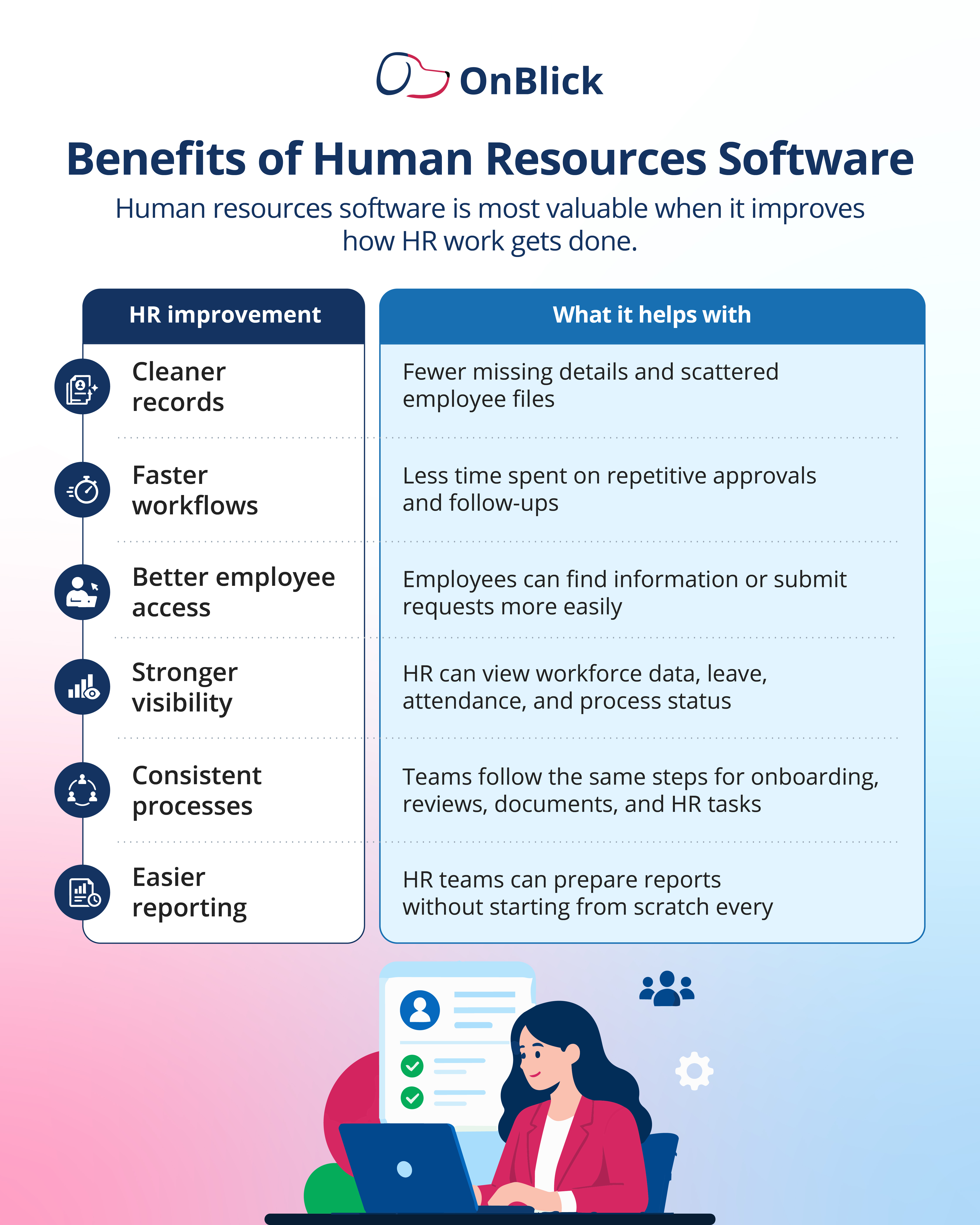
Human resources software helps employers bring more structure to daily HR work. When employee information, tasks, documents, and reports are handled in one system, HR teams can reduce avoidable delays and improve process consistency.
- One major benefit is cleaner employee data. HR teams can maintain employee details, job information, documents, status changes, and work location records in a more organized way. This reduces the risk of outdated files, duplicate entries, and missing information.
- HR software can also save time on repetitive tasks. Onboarding steps, leave requests, document acknowledgments, approvals, and reminders can be tracked through defined workflows instead of repeated emails or manual follow-ups.
- Employee self-service is another useful benefit. Employees may be able to update information, submit requests, view leave details, complete forms, or access documents without waiting for HR to respond to every basic request.
- For managers, HR software can improve visibility into team information, pending approvals, attendance, leave, performance tasks, and employee updates. This helps managers act faster and reduces back-and-forth communication with HR.
- For business leaders, reporting becomes easier. HR teams can review workforce information, attendance patterns, turnover, onboarding progress, performance activities, and compliance-related data with less manual preparation.
Human Resources Software for Small Businesses
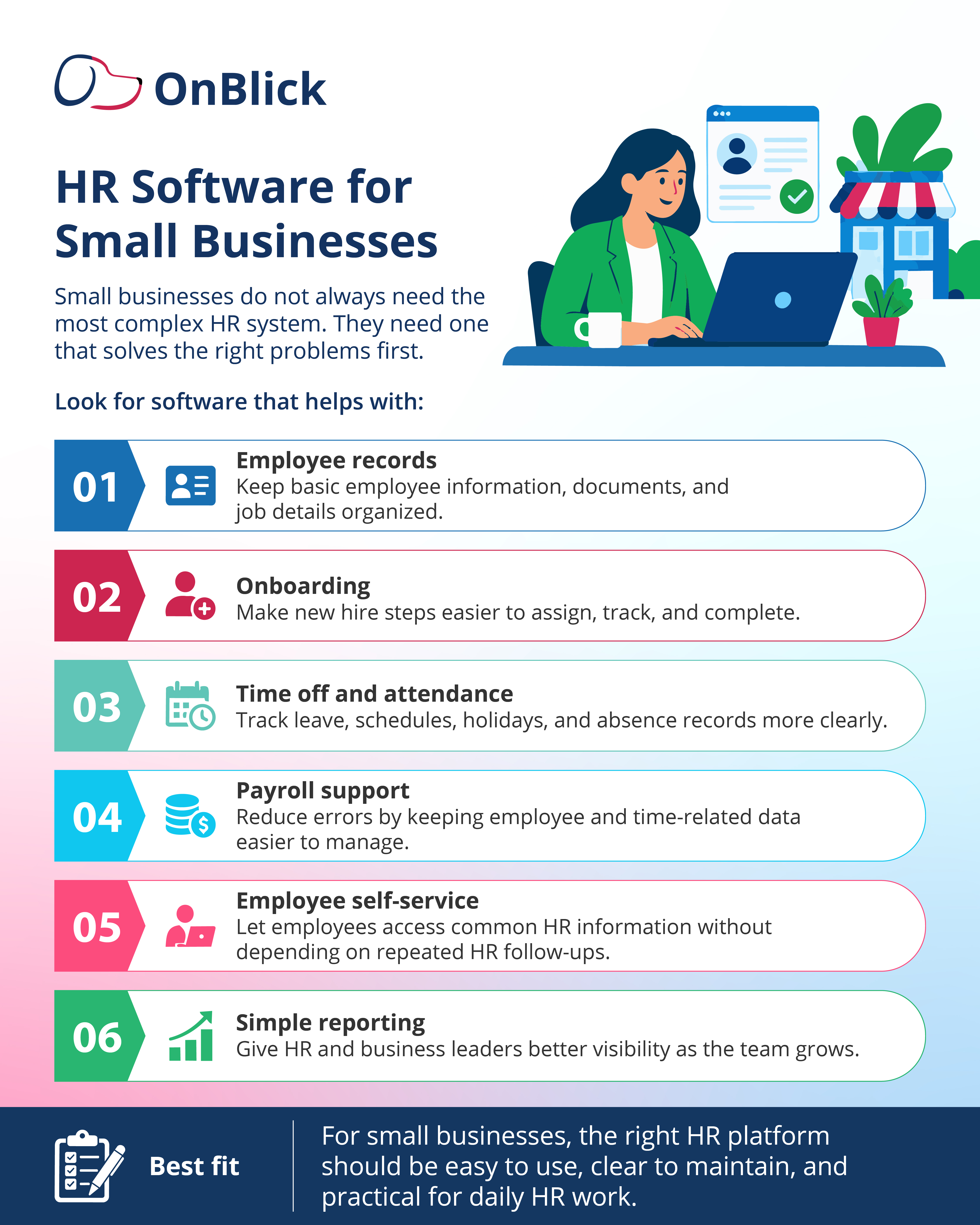
- Small businesses may not need a large or complex HR system in the beginning. However, they still need a reliable way to manage employee records, onboarding, documents, time off, attendance, payroll-related information, and basic HR requests.
- For a small business, HR software should be easy to set up and simple to use. If the system requires too much time, training, or customization, it may create more work than it solves. The best starting point is often a platform that handles the most common HR tasks clearly.
- Small businesses should look for features such as employee profiles, document storage, onboarding checklists, leave tracking, attendance records, employee self-service, payroll support, and simple reports. These features can help the business move away from scattered files and manual updates.
- Cost is also important. Small employers should review pricing carefully and check whether the plan charges by employee, module, user, or feature. They should also consider setup fees, support costs, integrations, and future pricing as the team grows.
- The goal is not to buy the most advanced platform. The goal is to choose software that solves current HR problems, supports basic compliance needs, and can grow with the business without becoming difficult to manage.
Human Resources Software for Growing Companies and Large Enterprises
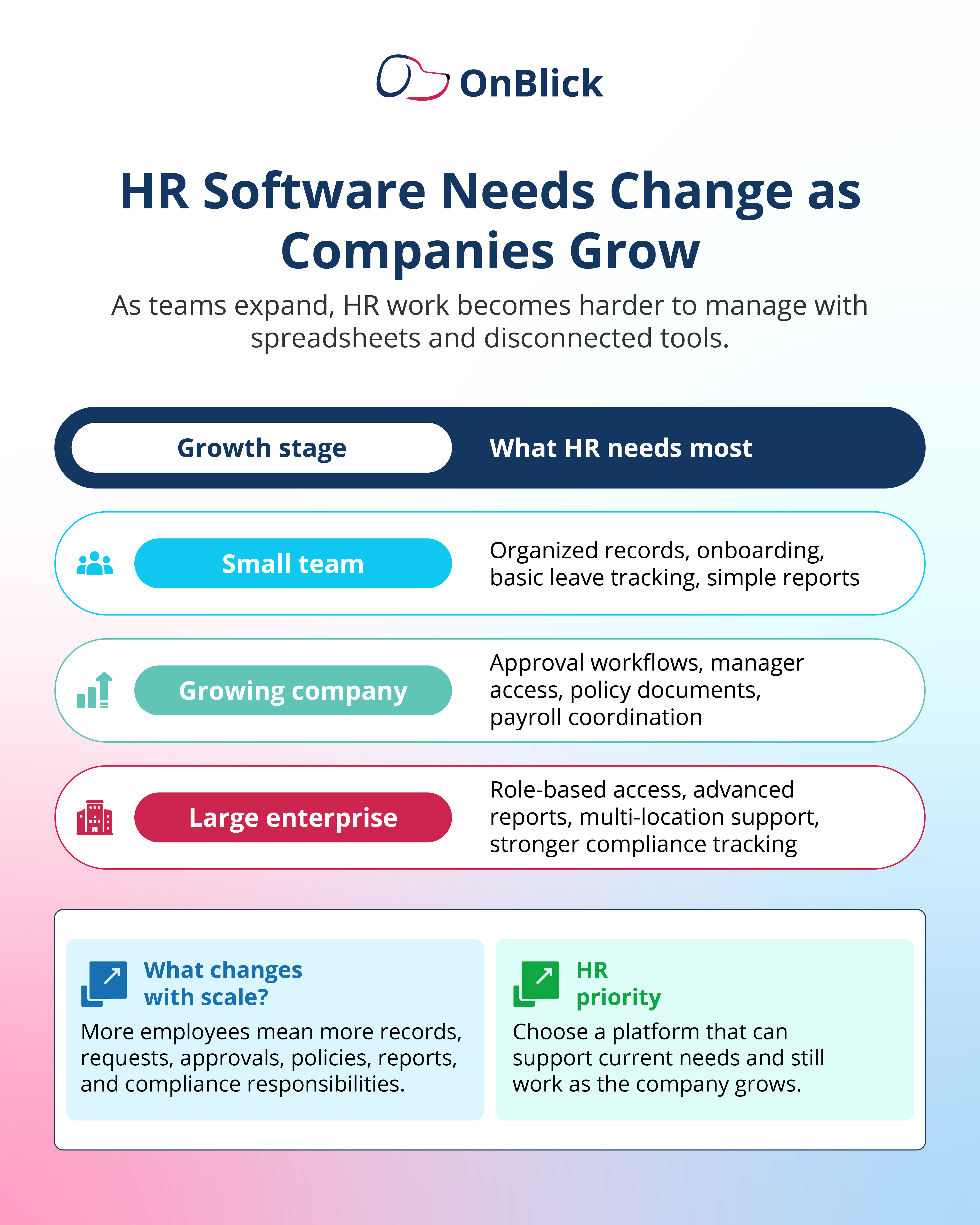
- As companies grow, HR work becomes more complex. More employees usually mean more records, approvals, policies, locations, managers, reports, and compliance responsibilities. A system that worked for a small team may not be enough when the business starts expanding across departments, states, or countries.
- Growing companies often need stronger workflow control. HR teams may need approval chains for onboarding, employee changes, leave requests, performance reviews, policy acknowledgments, and document updates. Managers may also need access to team-level data without viewing information outside of their role.
- Large employers may need deeper reporting and stronger access controls. They may also need support for multiple locations, different employee groups, custom policies, audit records, integrations, and more detailed workforce data. This is where scalability becomes important.
- When reviewing HR software, larger employers should check whether the platform can support growth without creating more manual work. The system should help HR manage employee data, permissions, reports, documents, and workflows in a way that remains clear as the business expands.
- The right platform should support both current operations and future HR needs. Employers should avoid choosing a system that solves only today’s problems if it becomes difficult to maintain as the workforce grows.
Cloud-based HR Software: What Employers Should Know
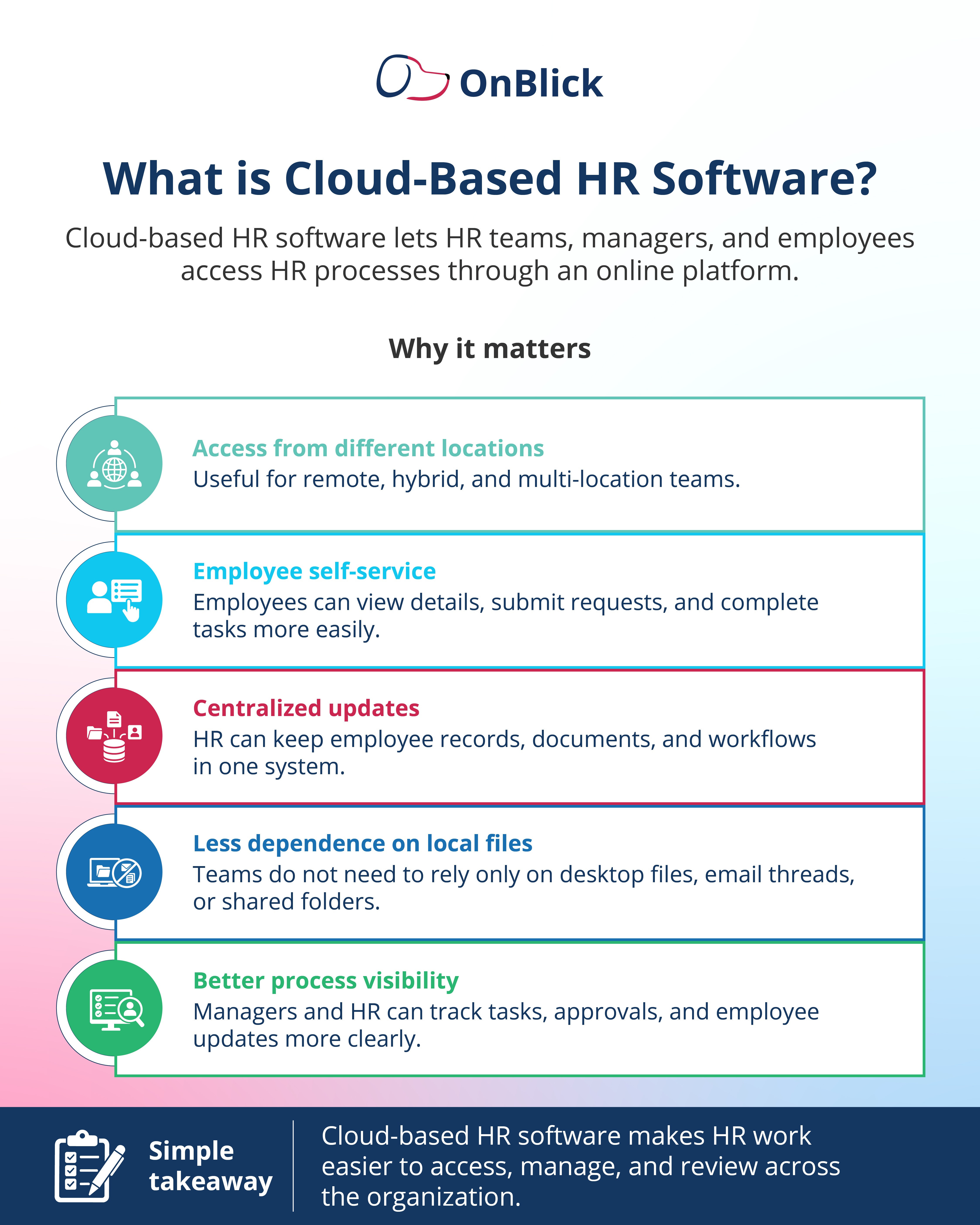
- Cloud-based HR software allows HR teams, managers, and employees to access the platform online instead of relying only on local files or office-based systems. This can be useful for companies with remote, hybrid, or multi-location teams.
- One of the main advantages is accessibility. HR teams can update employee records, review requests, manage documents, and check reports from different work locations. Employees may also be able to complete HR tasks, submit requests, or access information without waiting for direct HR support.
- Cloud-based systems can also reduce dependence on scattered folders, email attachments, and desktop files. When records and workflows are managed in one system, HR teams can find information more easily and maintain better control over updates.
- Employers should still review security, permissions, data storage, access controls, vendor support, and system reliability before choosing a cloud-based HR platform. Employee records often contain sensitive information, so access should be limited based on role and business need.
- For many employers, cloud-based HR software can make HR work easier to access and manage, but the platform should still be evaluated carefully for usability, reporting, integrations, compliance support, and long-term fit.
HR and Payroll Software: Why Integration Matters
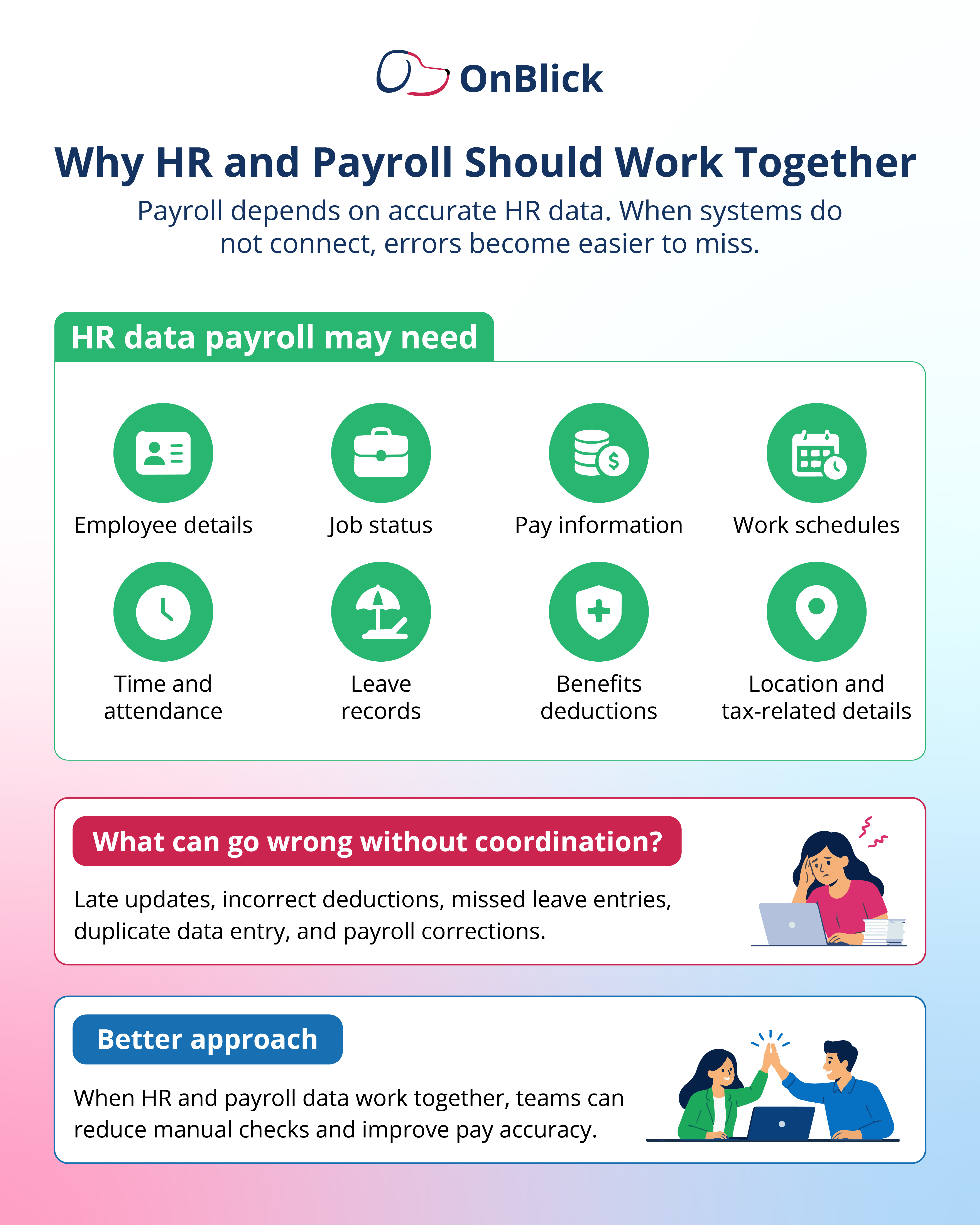
- HR and payroll are closely connected. Payroll teams depend on accurate employee data, work hours, leave records, benefits deductions, job changes, pay rates, and employment status updates. When this information is managed separately, errors can happen more easily.
- For example, a missed employee status change can affect pay. An incorrect leave entry can create payroll confusion. Outdated benefits deduction data can lead to correction work. Manual data entry between HR and payroll systems can also increase the risk of duplicate or inconsistent records.
- This is why employers should review how HR software supports payroll-related data. Some platforms include payroll as part of the system. Others connect with separate payroll providers. In either case, HR teams should check how employee updates, time, attendance, leave, deductions, and reports move between systems.
- Integration is not only about convenience. It can affect pay accuracy, compliance records, employee trust, and HR workload. A poor connection between HR and payroll can create repeated follow-ups, delayed corrections, and avoidable employee concerns.
Before purchasing HR software, employers should ask how the platform handles payroll data, whether integrations are available, what information can be shared, and how errors or exceptions are managed.
How to Choose the Right Human Resources Software
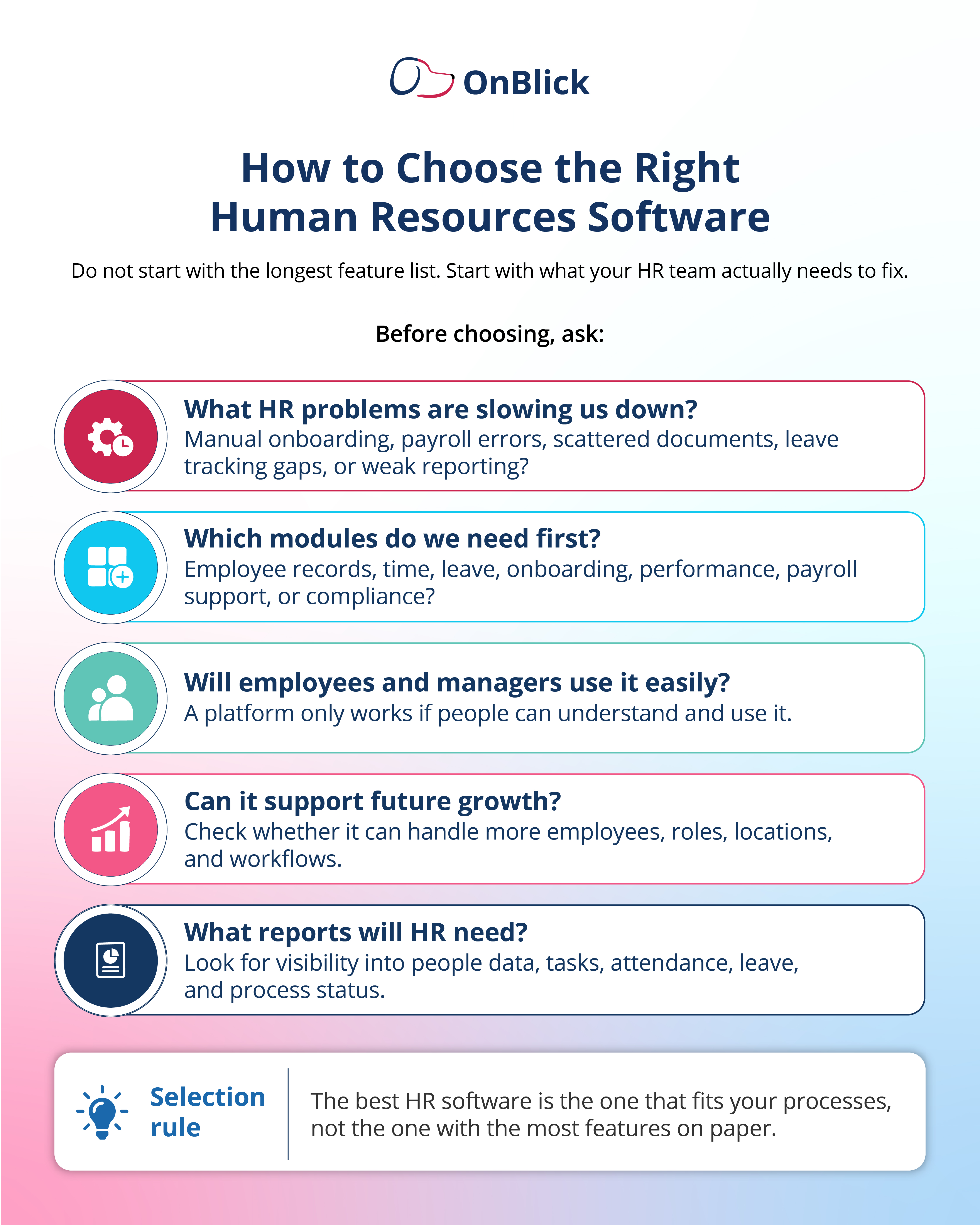
- Choosing the right human resources software starts with understanding the problems the business needs to solve. Employers should avoid beginning with a long vendor feature list. A better approach is to review current HR challenges and identify which processes need better structure.
- HR teams can begin by asking where the most time is lost. Common problem areas include employee records, onboarding, document collection, time tracking, leave approvals, payroll coordination, performance reviews, employee questions, and reporting.
- The next step is to decide which features are essential and which can wait. Some employers may need employee records, onboarding, and leave management first. Others may need payroll support, performance management, reporting, or compliance workflows. Choosing too many modules at once can make implementation harder.
- Ease of use should also be reviewed carefully. HR software must work for HR teams, managers, and employees. If the platform is difficult to understand, employees may avoid using it and managers may continue relying on emails or manual updates.
- Employers should also review integration needs, data security, role-based access, implementation support, pricing, reporting, and future scalability. The right software should fit the company’s HR processes, workforce size, compliance needs, and growth plans.
Questions to Ask Before Buying HR Software
Before buying HR software, employers should ask practical questions that connect the platform to real HR needs. These questions can help HR teams compare vendors more clearly and avoid choosing software based only on price or presentation.
- Start with process fit. Does the software support the HR tasks the team manages every week? Can it handle employee records, onboarding, leave, time, documents, performance, payroll-related data, and employee self-service?
- Next, review user experience. Will employees understand how to submit requests or complete tasks? Will managers be able to review approvals, team information, and reports without extra training every time?
- Employers should also ask about configuration. Can the platform support different locations, employee groups, approval levels, leave rules, document requirements, and policy workflows? This matters for businesses with remote teams, multiple departments, or different compliance needs.
- Data and reporting questions are also important. What reports are available? Can HR track pending tasks, missing documents, headcount, leave usage, attendance, onboarding progress, and other workforce data?
Finally, employers should ask about implementation, support, pricing, integrations, security, and contract terms. A platform may look strong during a demo, but HR teams need to know what setup, training, migration, and long-term maintenance will actually involve.
Common HR Software Mistakes to Avoid
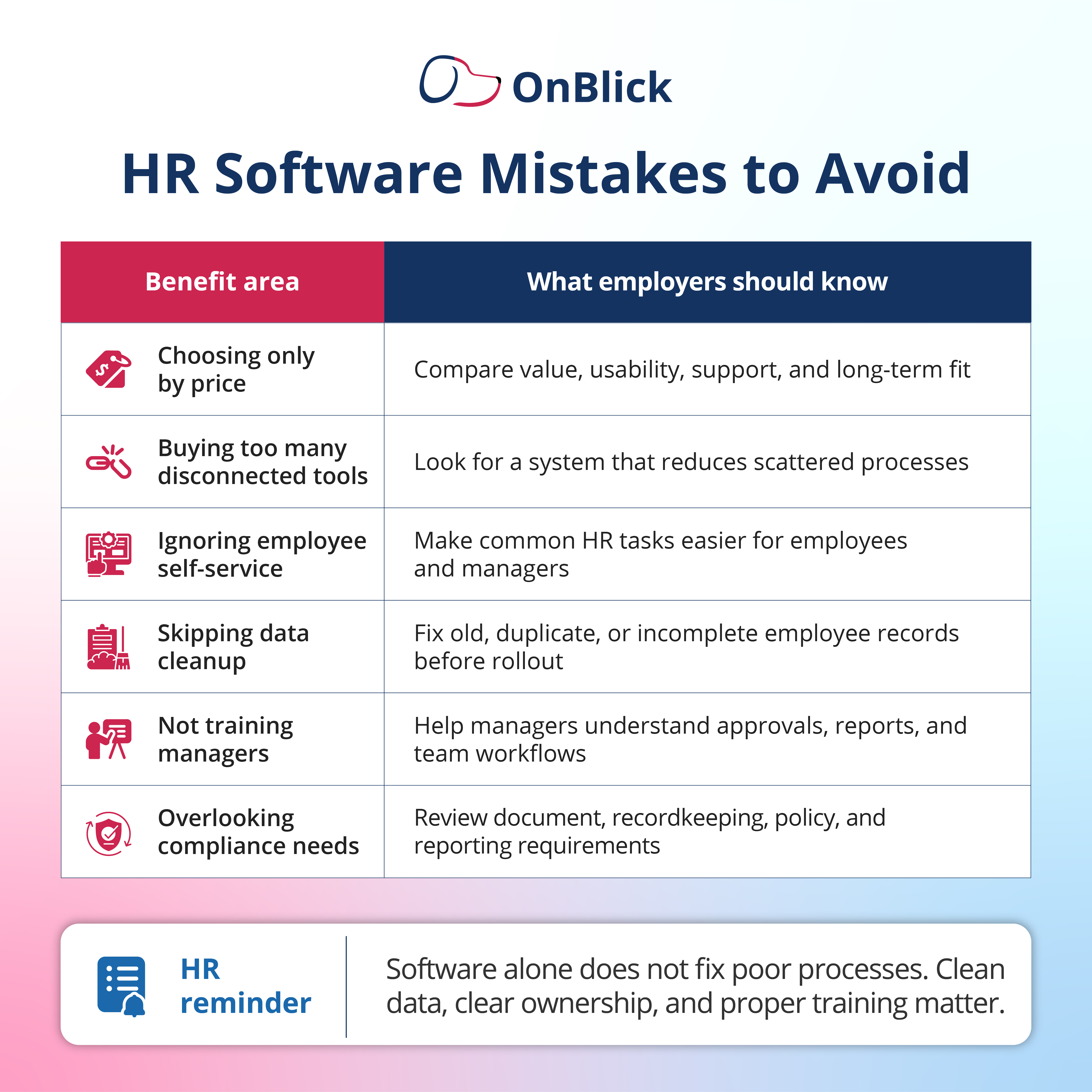
- One common mistake is choosing HR software only because it has the longest feature list. A platform may offer many functions, but that does not mean each one is useful for the business. Employers should focus on the features they will actually use and manage well.
- Another mistake is buying software without cleaning employee data first. Old records, duplicate entries, missing documents, incorrect job details, and outdated employee information can create problems during implementation. Clean data helps the new system work more smoothly.
- Employers should also avoid ignoring manager and employee adoption. If the platform is used only by HR, the business may not get full value from it. Managers need to understand approvals, reports, and team workflows. Employees need to know how to access information and complete basic tasks.
- Poor implementation planning is another issue. HR teams should decide which modules to launch first, who owns each process, how training will be handled, and how data will be checked after migration.
- Some employers also overlook compliance and recordkeeping needs. HR software should help the business maintain important documents, policy acknowledgments, access controls, alerts, and reports. These needs should be reviewed before purchase, not after the system goes live.
How to Implement HR Software Successfully
- A successful HR software rollout begins with preparation. Before implementation starts, HR teams should review current processes, identify pain points, clean employee data, and decide which modules should be launched first.
- The first phase should focus on the most important HR needs. For many employers, this may include employee records, onboarding, leave management, time tracking, document storage, or employee self-service. Starting with a focused rollout can make adoption easier.
- Data migration should be handled carefully. Employee names, job titles, departments, managers, work locations, employment status, documents, and other key fields should be reviewed before they are added to the new system. Incorrect data can create issues across workflows, reports, and payroll-related processes.
- Roles and permissions should also be set clearly. HR administrators, managers, employees, and leadership users should have access based on their responsibilities. Sensitive information should not be visible to users who do not need it.
- Training is a key part of implementation. HR teams need to know how to manage the system, managers need to understand approvals and reports, and employees need simple guidance on self-service tasks. After launch, HR should review usage, collect feedback, check for errors, and adjust workflows where needed.
How OnBlick supports HR teams with human resources software
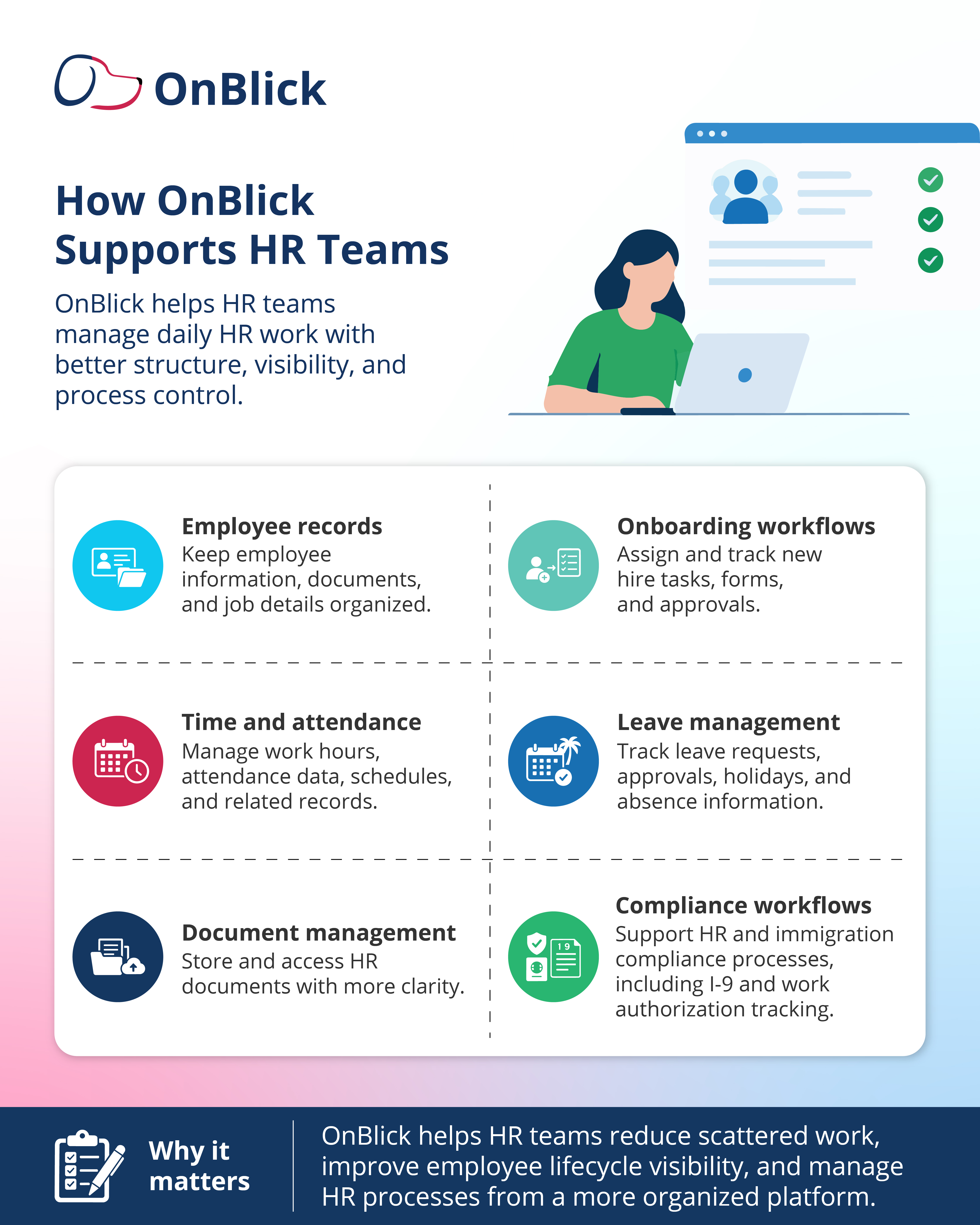
- OnBlick helps HR teams manage employee records, onboarding, time and attendance, leave, documents, workflows, and compliance-related HR processes from a structured platform. This can help employers reduce scattered work and improve visibility across the employee lifecycle.
- With OnBlick, HR teams can keep employee information and documents organized, assign and track onboarding tasks, manage leave-related records, and support daily HR workflows with better process clarity. Managers and employees can also work through a more organized system instead of depending only on emails or manual follow-ups.
- OnBlick is especially useful for employers that need HR management and compliance support together. The platform supports HR processes along with areas such as Form I-9, work authorization tracking, document management, alerts, and audit-ready records.
For teams reviewing human resources software, OnBlick offers a practical way to bring HR operations, employee data, and compliance workflows together. It helps HR teams manage routine tasks more efficiently while maintaining better control over records and required processes.
Conclusion
Choosing the right human resources software is an important step for any employer that wants to manage HR work with more accuracy, consistency, and visibility. The right platform can help HR teams organize employee records, manage onboarding, track time and leave, support payroll-related data, handle documents, and improve employee self-service.
The best choice depends on the employer’s needs. Small businesses may need a simple system that solves basic HR problems, while growing companies and larger employers may need stronger workflows, reporting, access controls, integrations, and compliance support.
Before purchasing HR software, employers should review current HR challenges, required features, user experience, payroll needs, data security, implementation support, and future growth. A good platform should fit the way the business manages people, records, and daily HR work.
OnBlick helps HR teams manage employee records, onboarding, time, leave, documents, workflows, and compliance processes from one organized platform. Schedule a free OnBlick demo to see how we can support your HR operations.
FAQs About Human Resources Software
1. What does human resources software do?
Human resources software helps employers manage employee data, HR tasks, workflows, documents, time and leave, performance activities, and employee support processes. Depending on the platform, it may also support payroll-related data, benefits administration, reporting, compliance records, and employee self-service.
2. What is the difference between HR software and HRMS?
HR software is a broad term for digital tools that support HR work. HRMS, or Human Resource Management System, usually refers to a more complete system that manages employee records along with functions such as time, leave, payroll-related data, benefits, workflows, and reporting. Since vendors use these terms differently, employers should compare actual features instead of relying only on the label.
3. What features should HR software include?
HR software should include features that match the employer’s daily HR needs. Common features include employee records, onboarding, time and attendance, leave management, document storage, employee self-service, payroll support, reporting, performance management, role-based access, alerts, and compliance-related workflows.
4. Is HR software useful for small businesses?
Yes. Small businesses can use HR software to reduce manual work, organize employee records, track leave, manage onboarding, store documents, and support payroll-related processes. The best option for a small business is software that is easy to use, practical for daily HR tasks, and able to grow with the company.
5. Can HR software manage payroll?
Some HR software platforms include payroll, while others connect with separate payroll systems. Even when payroll is not built in, HR software can help manage the employee data payroll teams need, such as employee details, job status, pay information, time records, leave data, benefits deductions, and work location.
6. What is cloud-based HR software?
Cloud-based HR software is an online HR platform that users can access through the internet. It can help HR teams, managers, and employees manage HR tasks from different locations, which is useful for remote, hybrid, and multi-location teams. Employers should still review security, permissions, vendor support, and data controls before choosing a platform.
7. How much does HR software cost?
HR software cost depends on the vendor, number of employees, selected modules, implementation needs, support level, integrations, and contract terms. Some platforms charge per employee per month, while others may charge by user, feature, or package. Employers should check setup fees, renewal terms, add-on costs, and pricing changes as the workforce grows.
8. How long does HR software implementation take?
Implementation time depends on the size of the company, number of modules, data migration needs, integrations, customization, and training requirements. A basic rollout may be faster, while a larger implementation involving payroll, workflows, reporting, and multiple locations may take longer. HR teams should plan time for data cleanup, testing, user training, and post-launch review.
9. Can HR software improve employee experience?
Yes, HR software can improve employee experience when it makes HR tasks easier to complete. Employees may be able to access documents, submit leave requests, update personal details, complete onboarding tasks, view information, and track request status without waiting for repeated HR follow-ups.
10. How do employers choose the right HR software platform?
Employers should start by identifying current HR problems and required processes. They should then compare platforms based on features, ease of use, payroll support, integrations, reporting, data security, compliance needs, implementation support, pricing, and scalability. The right HR Software should fit how the business manages people, not just look strong in a demo.